
 English
  Español
  Français
  Português
  Deutsch
  日本語
日本語  한국어
한국어  Türkçe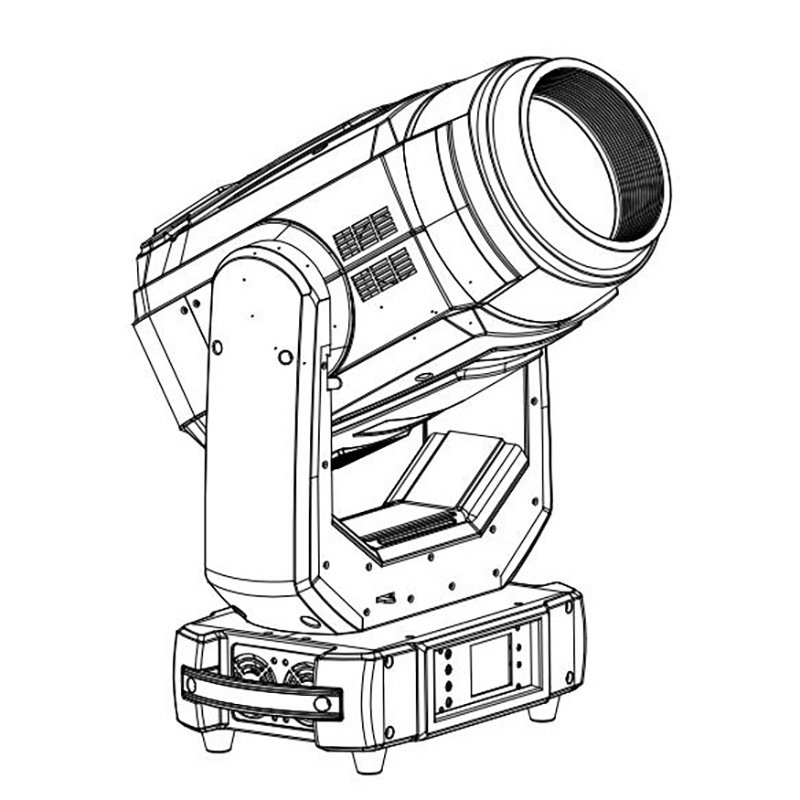
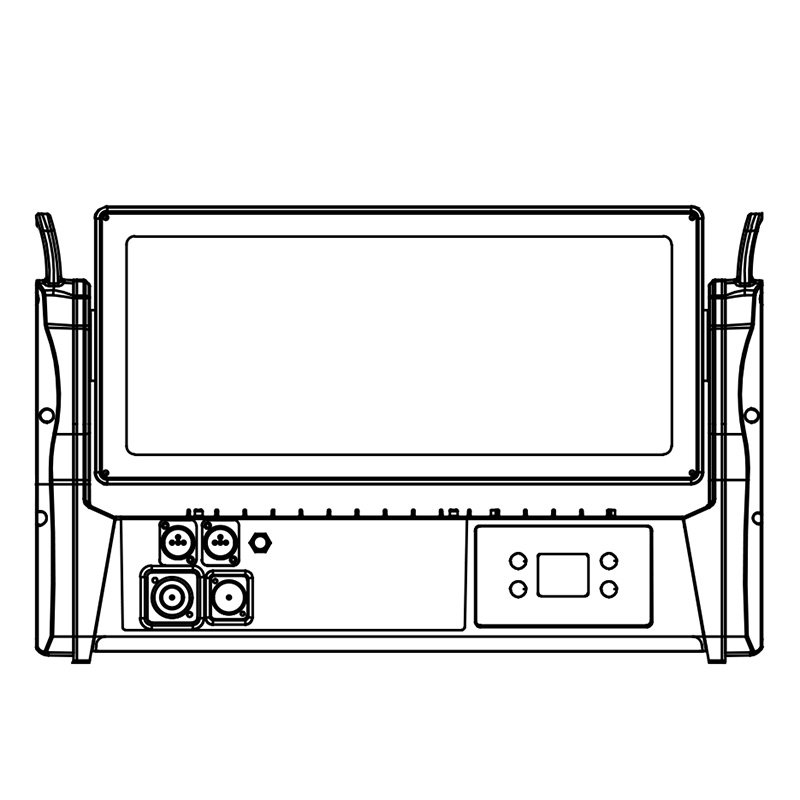
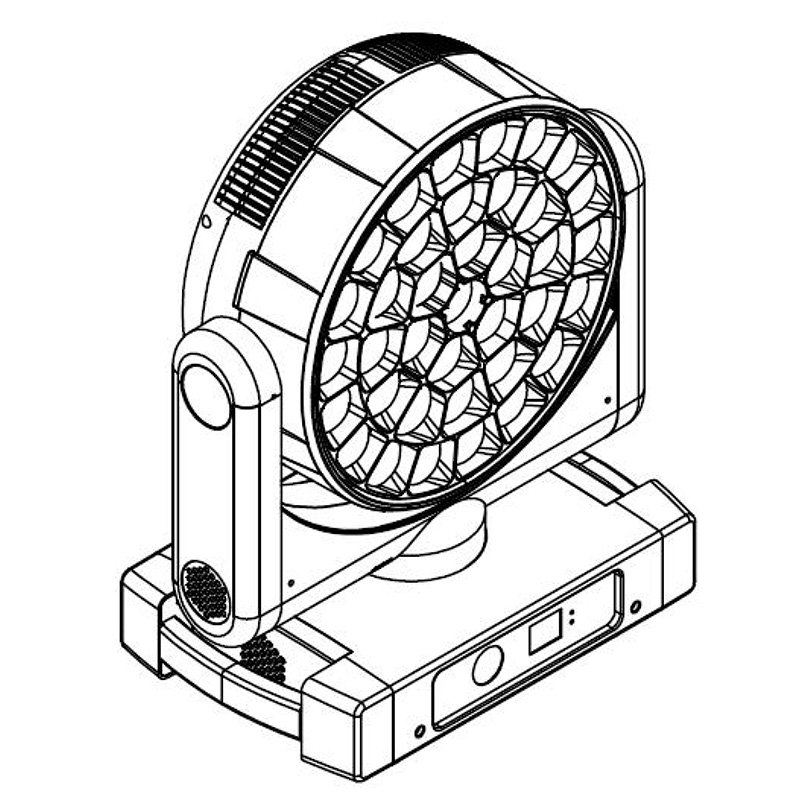
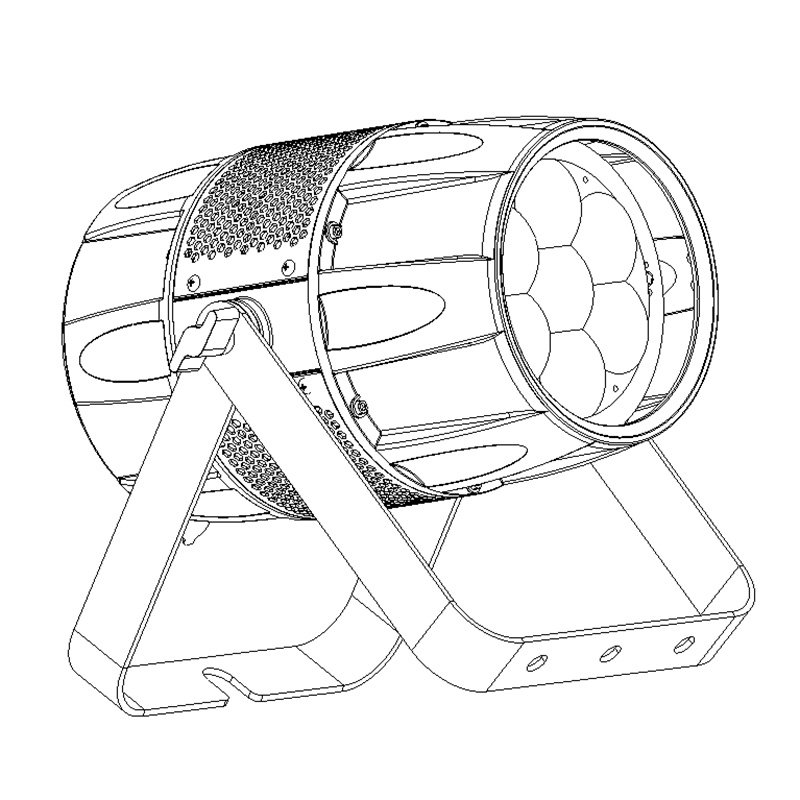
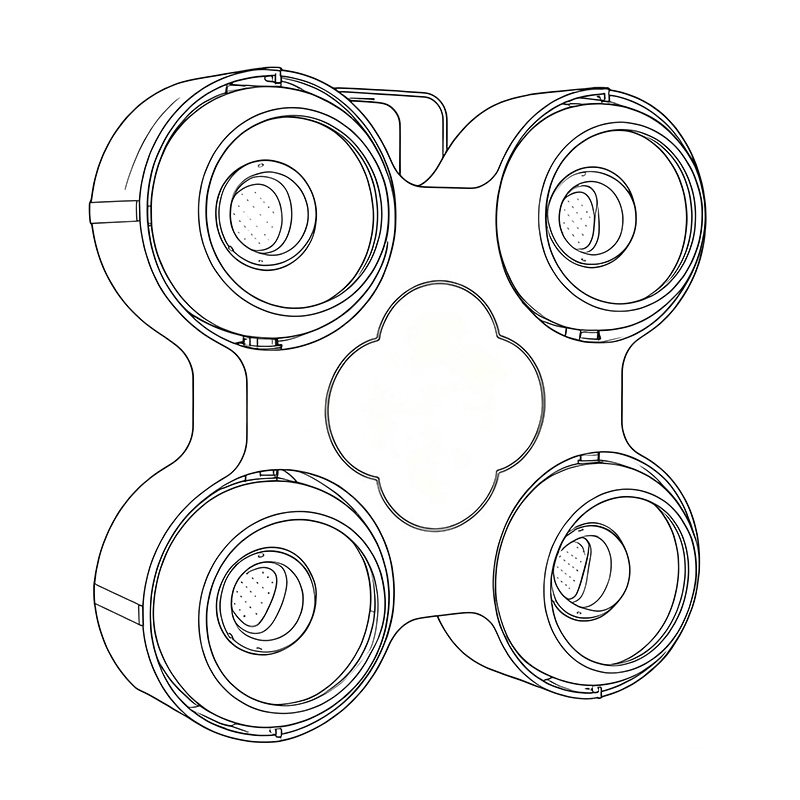
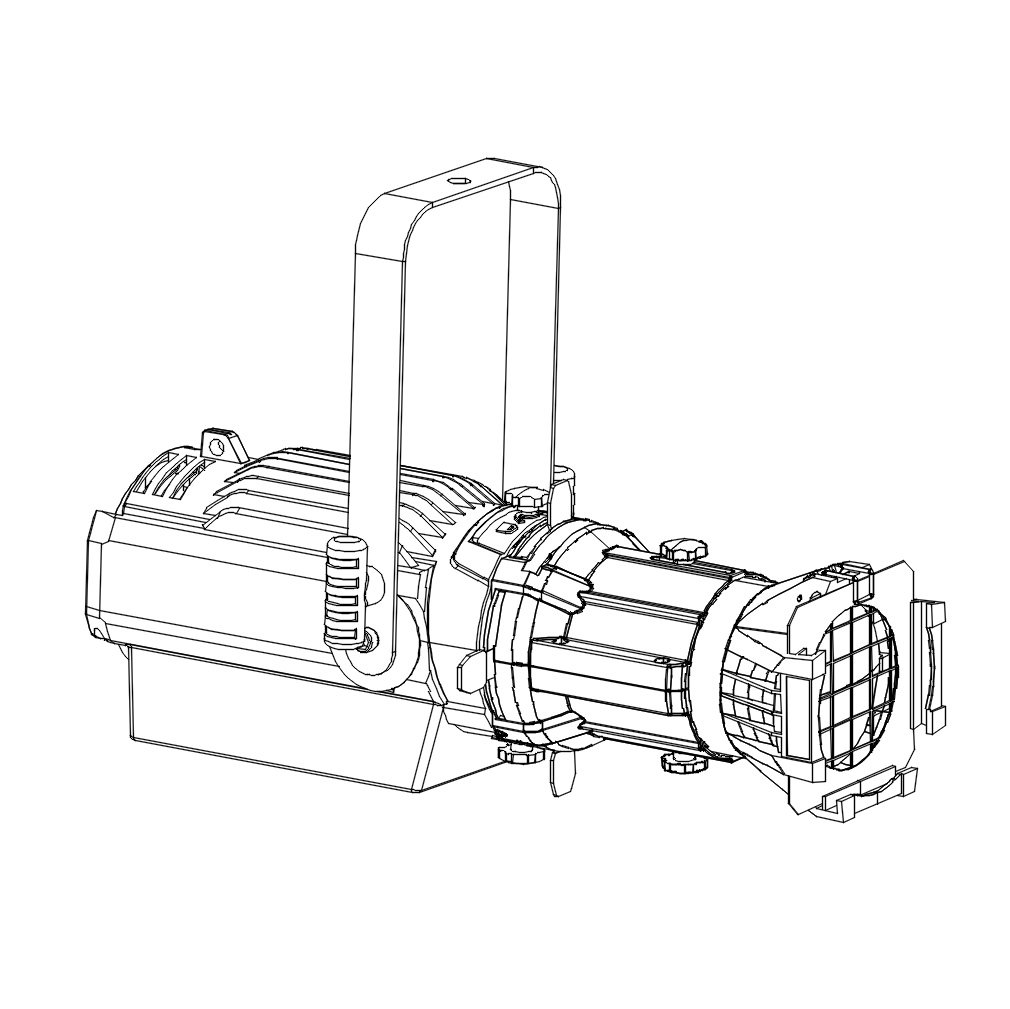
A practical wedding stage lighting layout starts with the event areas, the run of show, the people who must be seen clearly and the limits of the venue. Light the couple, officiant and speakers first; build colour and scenic texture around them; then add movement or aerial effects where they support the moment without interfering with guests, cameras or sightlines.

Plan wedding lighting by area
Ceremony and people
The couple, officiant, wedding party and readers need consistent visibility from the main viewing and camera positions. Start with controllable white light placed to avoid deep eye sockets, harsh backlight and strong colour casts on skin. Confirm the required colour temperature and dimming behavior with the photo and video team before programming decorative looks.
Stage and backdrop
Separate people lighting from backdrop colour. PAR fixtures or wash lights can colour the background, while a focused Spot or suitable profile fixture can highlight a sign, cake, lectern or defined scenic area. Keep saturated colour off faces unless it is an intentional cue.
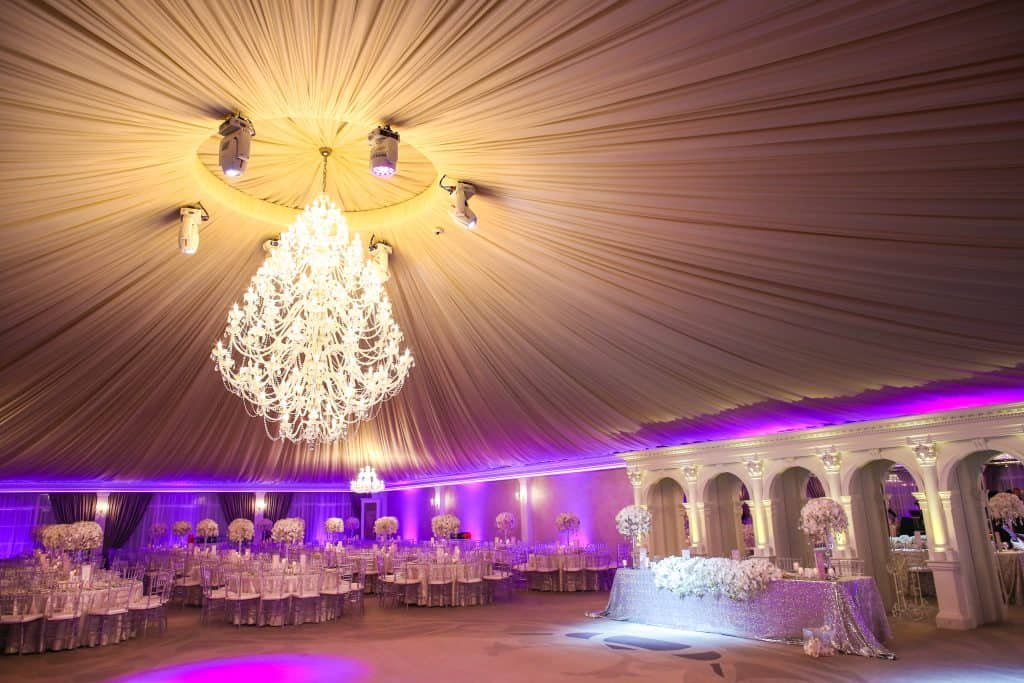
Walls and columns
Uplights can add vertical colour and help the room feel coherent. Select the lens or beam spread for the wall height and surface, and test colour on the actual finish. Battery operation can reduce visible cable runs where power is difficult, but runtime, charging, wireless control and environmental protection depend on the model.
Aisle and entrances
Give the couple a clear path and maintain even visibility through the entrance. Avoid placing fixtures where guests can trip, where direct glare hits the processional route or where stands block photography. A followspot or programmed moving light can track an entrance only when an operator or tested cueing plan can keep the light stable and flattering.
Dance floor
Use a base wash so faces remain visible, then add patterns, movement or aerial beams for the first dance and party. Beam effects become visible in the air only under suitable atmospheric conditions. Check venue permission before using haze, and keep high-intensity effects away from unsafe audience exposure or camera positions.

Match each fixture type to its job
| Area or phase | Lighting purpose | Fixture type to consider | Conditions to confirm |
|---|---|---|---|
| Ceremony and speeches | Clear, flattering light on people | Suitable white-light PAR, Spot, profile or other front-light fixture | Camera positions, colour quality, white balance, glare, dimming and noise |
| Stage and backdrop | Colour coverage and scenic separation | LED PAR or Wash | Beam spread, surface colour, fixture distance and spill onto faces |
| Walls and columns | Architectural uplighting | Wired or battery uplight | Runtime, charging, wireless compatibility, lens and cable route |
| Aisle and entrance | Safe visibility and a controlled highlight | Static front light, followspot or carefully programmed moving light | Sightlines, operator position, tracking path, stands and guest access |
| First dance and party | Movement, patterns and atmosphere | Wash plus Spot or Beam where appropriate | Room brightness, haze permission, ceiling/rigging limits and camera effects |
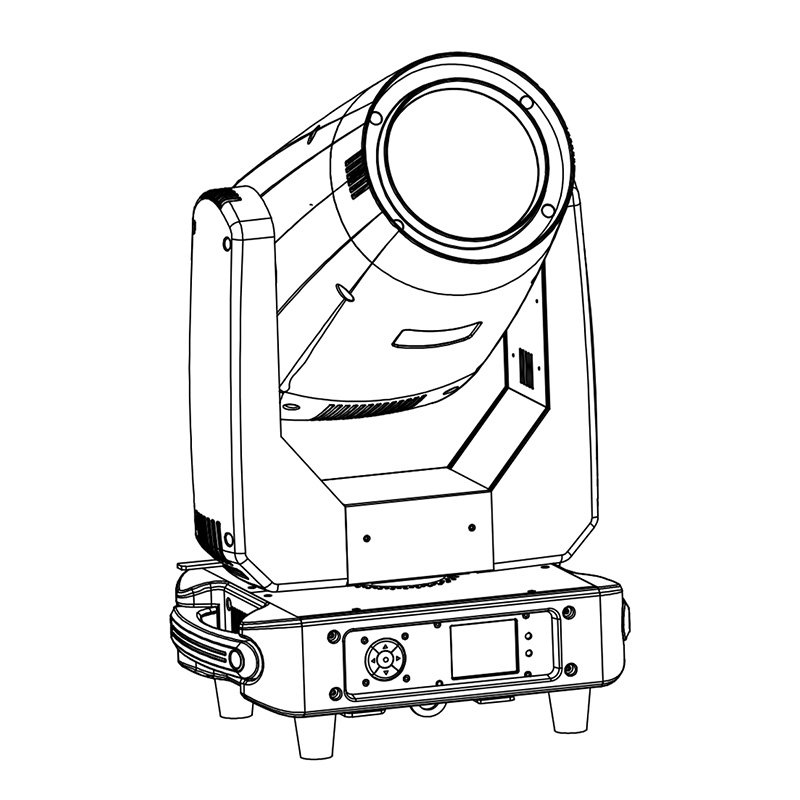
These fixture types are not interchangeable. A Wash spreads colour, an LED PAR covers a fixed direction, a Spot projects more defined shapes, and a Beam creates narrow aerial lines. Read the Wash vs Spot comparison when deciding which optical task is required.
Build cues around the wedding timeline
- Guest arrival: keep paths, tables and entrances comfortably visible while architectural uplights establish the colour palette.
- Ceremony: prioritize faces and the main ceremony area. Reduce distracting movement and keep colour changes restrained.
- Speeches: hold a stable, camera-friendly look on the speaker and couple. Check microphone and lectern positions before final focus.
- Dining: retain enough ambient light for service and guest comfort. Decorative colour should support the room without making food or faces look unnatural.
- First dance: isolate the dance area with a soft key or wash, then add controlled movement or pattern only if it suits the planned photographs and video.
- Party: increase colour, motion and contrast while preserving safe paths and usable light for guests and cameras.
Program transitions as well as static looks. A good cue should reach its target smoothly, hold through the important moment and release without drawing attention away from the event.

Checks that protect the visual result
Skin tones, white light and dimming
Ask for published colour information where people lighting is critical, and test the chosen white against the venue’s house light and camera settings. Check dimming at the low levels used for entrances and speeches; visible stepping, flicker or colour shift can be more obvious on video than to the eye.
Noise and photography
During vows and speeches, fan and movement noise can matter. Confirm the model’s operating modes and test the actual fixture at the planned distance. Coordinate strobe, rapid colour changes and moving beams with the photographer and video operator so the effects do not spoil key shots.
Power, signal and control
Map power sources, cable routes and control positions before load-in. Confirm connector types, circuit capacity and venue rules with qualified personnel. For DMX, match the channel mode and console profile for every model, then test each cue after fixtures are placed. Wireless control requires compatible transmitters, receivers and a tested radio plan; it should not be assumed from the fixture type.
Rigging and venue limits
Fixture quantity, spacing, mounting height and load cannot be standardized for every wedding. They depend on room dimensions, sightlines, structural points, local rules and the specific fixtures. Follow the venue plan and each model’s manual for mounting, secondary attachment, clearances and environmental limits.

AOLAIT fixtures to compare for wedding projects
For moving colour coverage, the 19×40W LED Wash Moving Head Mini publishes RGBW mixing, 4°–60° zoom and multiple DMX modes. Compare its movement, zoom, noise and weight with the stage and rigging plan. Browse the full LED Wash Moving Head category for other documented options.
For a fixed wash position, the 18×12W LED Slim PAR RGBW publishes two lens-angle options, DMX modes and an IP65 rating. Confirm the chosen lens, connections and operating instructions for the specific indoor or outdoor setup. Compare it with other LED PAR Lights.
For cable-sensitive uplighting, the B6C 6×18W LED Battery PAR Uplight publishes wired and wireless control options plus battery operating information. Runtime depends on the programmed colours and operating mode, so base the charging plan on the actual cue list. See the LED Battery Uplight category for the current range.
If the same equipment will also serve mobile entertainment jobs, the DJ Moving Head Lights guide explains selection for compact event rigs.

Information to send for a wedding-lighting recommendation
Provide the venue dimensions, ceiling or rigging limits, indoor or outdoor conditions, ceremony and reception areas, event timeline, camera requirements, preferred colours and effects, control method, available power and expected quantity. Include photographs or a floor plan if available. Send AOLAIT the wedding project brief to compare suitable fixtures and documented options.
