
 English
  Español
  Français
  Português
  Deutsch
  日本語
日本語  한국어
한국어  Türkçe
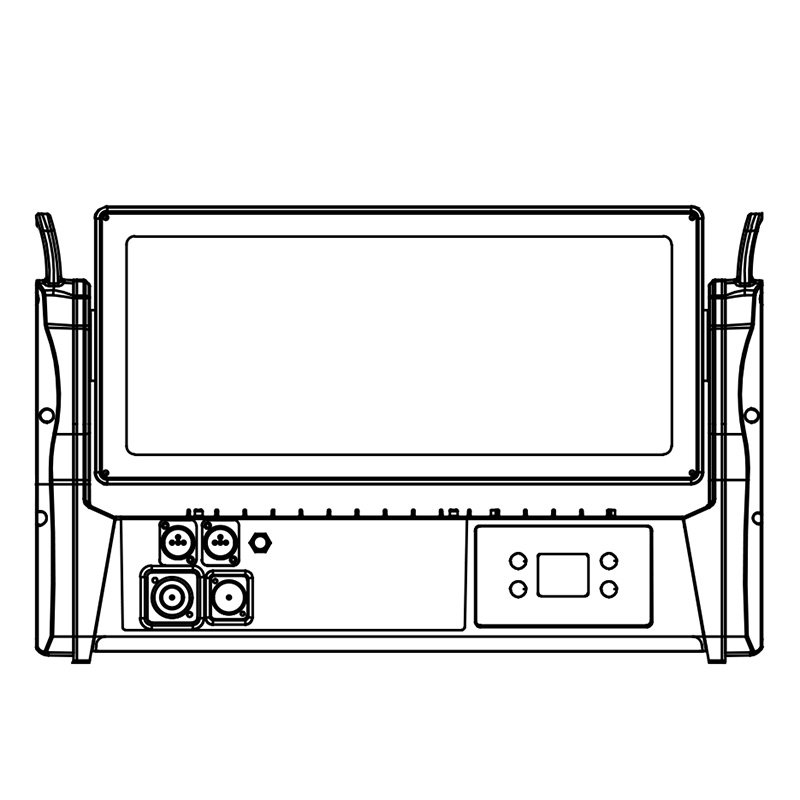
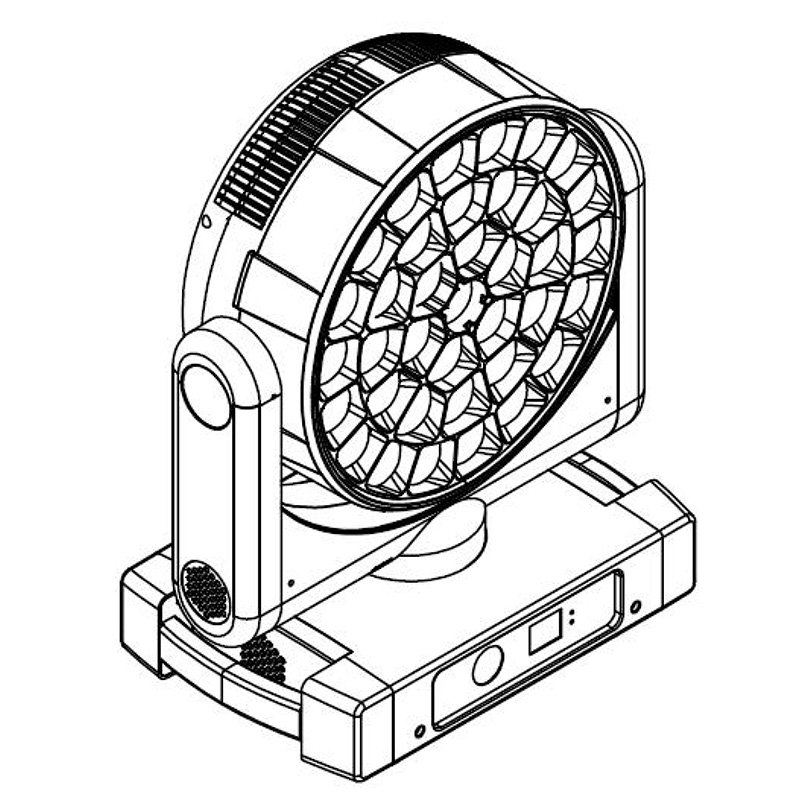
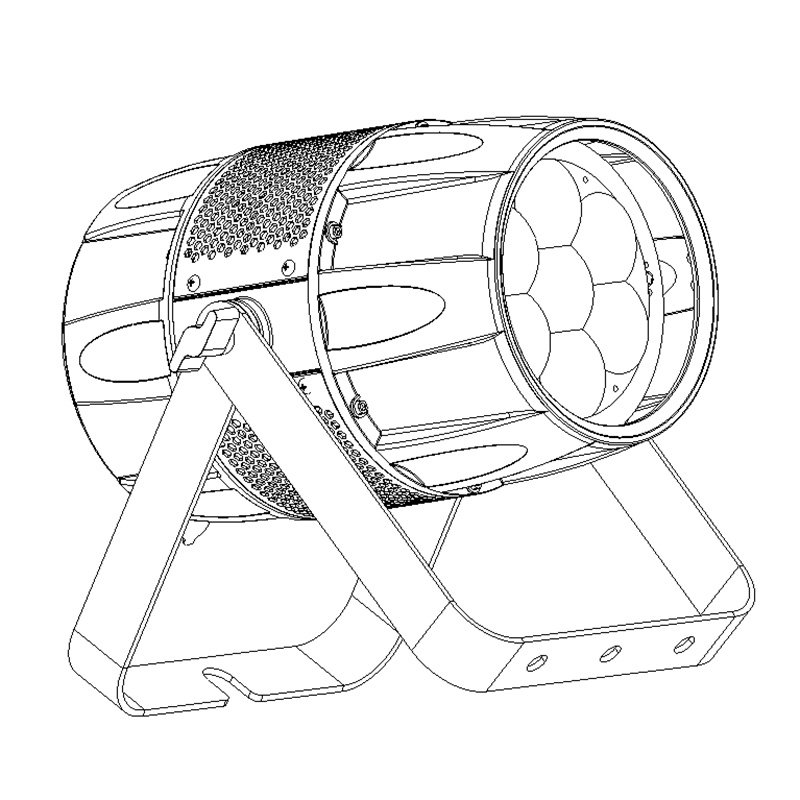
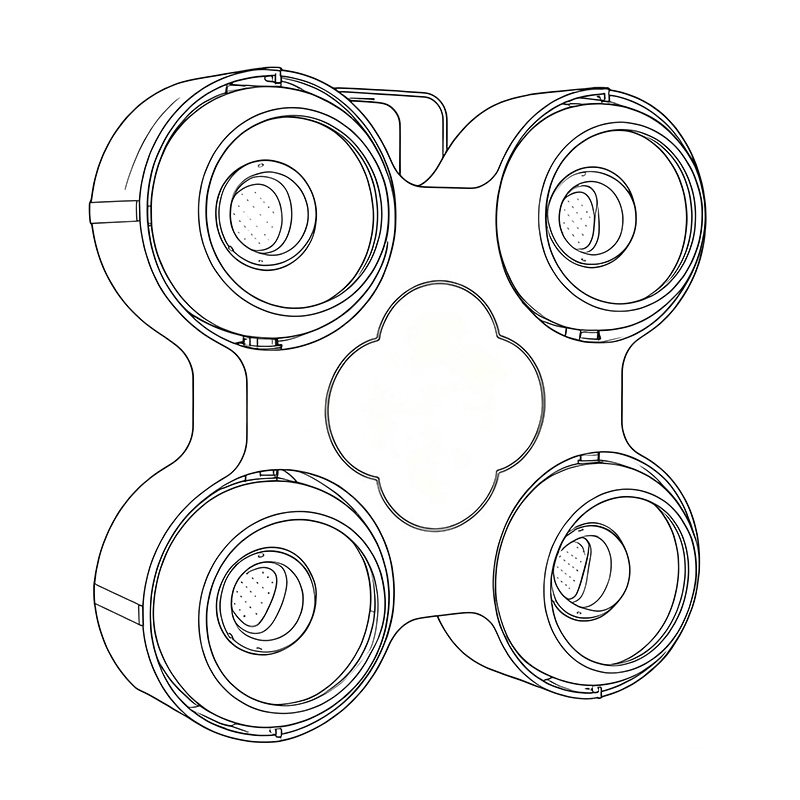
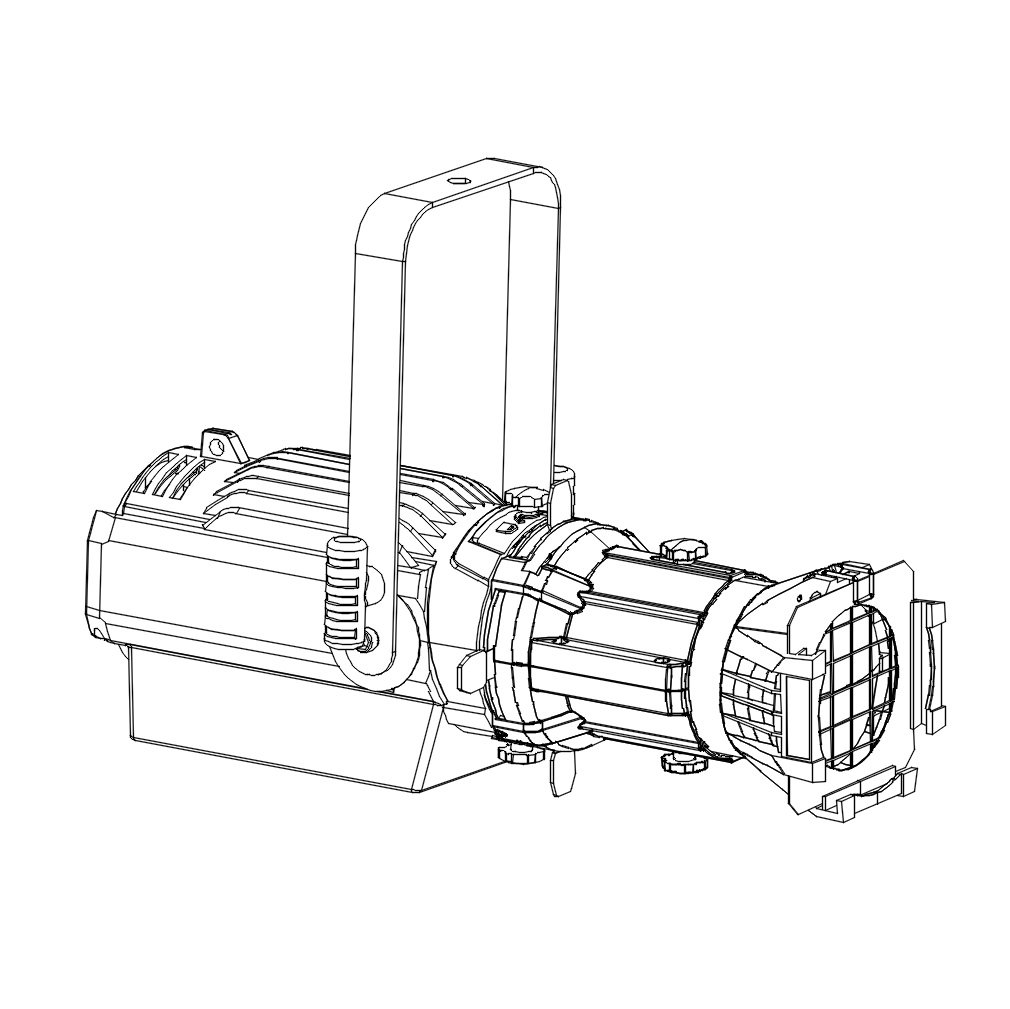
Stage lighting power distribution is how power from a venue or generator reaches the lighting package through distribution equipment, circuits, cables and connectors. Before ordering, confirm the venue supply information and collect the fixture and connection details your electrical team needs to plan the system. Include whole-fixture input data, operating and startup conditions, exact connector specifications and any power-linking limits. The electrical lead can then assess circuit allocation, phase loading, protection and installation requirements. For rental companies, production teams, distributors and integrators, the purchasing task is to resolve missing information and keep the quotation, approved sample and supplied equipment consistent.
This guide helps teams prepare information. Final electrical design, protective-device selection, installation, testing and approval belong to appropriately qualified professionals working to the requirements of the project location.
Start with the Venue Power Brief
Identify the project type, destination, indoor or outdoor conditions, operating hours and load-in schedule. A temporary festival, a touring rental package and a permanent venue installation can require different arrangements. Include exposure to weather, public access, cable routes and the times when equipment will start, operate or be removed.
Ask the venue for confirmed supply voltage and frequency, available connection points, circuit identification, usable capacity and restrictions. Record who supplied the information and who will confirm it on site. An outlet photograph helps identify a location; it does not establish available capacity or the condition of the installation.
List shared loads such as audio, video, catering and building services. Where generators are involved, obtain the provider’s supply details and operating constraints for the electrical lead. Include emergency power arrangements and the contact responsible for them. For UK projects, HSE’s event electrical-safety guidance covers site conditions, timing, generators and other event loads.
| Party | Information or responsibility |
|---|---|
| Venue | Confirmed supply brief, connection locations, restrictions and shared loads |
| Fixture supplier | Exact supplied models, electrical data, manuals and operating limits |
| Cable or distro supplier | Assembly specifications, connection interfaces, ratings and documentation |
| Project manager | Equipment list, document revisions, missing-data owners and purchasing changes |
| Electrical lead | Final supply assessment, circuit and phase schedule, protection, inspection and approval |
Use the stage lighting equipment overview to establish the package scope. Keep control documentation alongside, but separate from, supply documentation: the DMX512 guide covers control signals. A DMX signal distributor is not a mains power distro.
Request Complete Fixture Load Data
Separate Light-Source Wattage from Fixture Input Power
A light-source rating describes the emitter or module, not the complete fixture’s maximum mains demand. Request the manufacturer’s whole-fixture input power and ask whether it is rated, maximum or typical, with its operating conditions. Do not calculate this field by multiplying LED count by advertised LED wattage.
For example, the ALP600BSW product page describes a 600W LED module. Request separate electrical data for the ordered configuration before entering a fixture input value. Keep the source description in the optical specification column.
Request Current, Power Factor and Startup Data with Their Conditions
Ask for input current at the intended project voltage, with the stated operating condition. Request available apparent power in VA and power factor. Schneider Electric’s power-factor definition distinguishes real power from apparent power: for a single-phase load, VA uses RMS voltage and RMS current, while PF relates real power to apparent power. These fields should describe matching conditions.
Request startup current and duration separately from running current, with the supply voltage and test conditions stated for each. The figures should apply to the model and configuration being ordered. Ask for any manufacturer limit on simultaneous starting.
Include Auxiliary Equipment in the Project Schedule
Include consoles, network equipment, signal splitters, hazers, fog machines, charging equipment and other powered accessories. Identify which team supplies each item and which loads share the planned lighting supply. Obtain their own input and startup information rather than hiding them inside a lighting allowance.
Build a Load Schedule and Track Missing Information
Create one record for each equipment group and location. Include model and revision, quantity, supply conditions, input data, source document and version, missing fields, responsible owner and resolution status. Link circuit, phase and protection fields to the electrical lead’s approved schedule; purchasing staff should not fill them from assumptions.
Keep conflicting values visible. If a quotation and manual disagree, record both references and request a clarification tied to the actual hardware. Use statuses such as “requested,” “received” and “accepted by electrical lead.” Receiving a file closes the request only when its contents answer the question.
Fictional data-gap example — not an installation plan: A conference package includes a rear-truss fixture group. The quotation identifies the model and quantity, but the brochure gives only source wattage and a generic locking connector name. The project manager assigns input-current conditions and connector part numbers to the fixture supplier. The venue still owes a circuit schedule. Both requests stay open; no circuit quantity or phase allocation is approved from this record.
Confirm Circuits, Phases and Protection with the Electrical Lead
The load schedule describes the equipment’s electrical demand. The circuit schedule shows which equipment is assigned to each supply circuit, while the phase schedule records load allocation when a three-phase supply is used. Protection details identify the functions and devices specified for that arrangement. These records help the project team check that the supplied equipment matches the electrical plan.
Confirm the Approved Supply and Circuit Schedule
Ask which supply assessment and circuit schedule the team should use, who approved them, and which revision matches the equipment list. Check connection locations, circuit limits, cable and distro scope, and any startup restrictions.
Confirm who arranges the venue connection and inspection. A circuit label, a spare outlet or a breaker nameplate alone does not approve another fixture group. Changes in quantity, location, cable route or shared equipment must return to the electrical lead for assessment.
Review Phase Allocation Using the Actual Loads
For a project using a three-phase supply, ask how the approved allocation accounts for actual load data and operating states. Equal fixture counts do not establish equal electrical demand. Dividing a package total by three does not approve the phase schedule.
Where the supply and connected loads use a neutral conductor, ask the electrical lead whether harmonic data is needed for the neutral assessment. Third-harmonic currents from nonlinear loads can add in the neutral, so balanced phase loading alone does not establish the neutral current. The assessment must use the actual equipment and supply arrangement.
Confirm Protection and Inspection Responsibilities
Overcurrent protection and residual-current or ground-fault protection address different conditions. Some combination devices provide multiple protective functions. The electrical lead must determine the required functions and coordination under local requirements, and identify the responsible inspector. RCD and GFCI names do not establish identical requirements across markets.
Request available leakage-current information when the electrical lead needs it. Electronic equipment and its filtering can contribute to earth leakage, as Schneider’s RCD disturbance guidance explains. Leave absent data marked as missing, not zero. Record inspection, testing, isolation and fault-response responsibilities. Unexpected tripping needs professional investigation, not a procurement decision to increase ratings or bypass protection.
Check Connectors, Cable Assemblies and Power Linking
Identify the Exact Inlet, Outlet and Mating Parts
Request the actual connector manufacturer, series and part numbers for both the fixture and supplied mating parts. Record destination-market voltage/current conditions and operating restrictions. Similar appearance, a brand nickname or “compatible” in a quotation is insufficient evidence of an approved pairing.
The distinction matters even within one manufacturer. Neutrik states that the original NAC3FCA has no breaking capacity and must not be connected or disconnected live or under load. Its NAC3FXXA-W-S has circuit breaking capability when paired with powerCON XX receptacles. Use CBC only as stated for the documented mating combination, and follow the manufacturer’s operating instructions and the project’s switching and isolation procedures.
Check the Supplied Cable Assembly
Confirm cable type, conductor specification, length, destination plug, both end connectors, assembly identity and applicable ratings. Ask the cable supplier for supporting documentation and permitted environmental conditions. A connector component’s rating does not establish the finished cable assembly’s allowed current, or the fixture’s power-through capacity.
Include any adapters or extension assemblies in the order record. If an assembly changes between sample and shipment, send the updated specification to the electrical lead before accepting it for the project.
Confirm Power-Through and Environmental Limits
First establish whether the exact fixture permits power linking. Request the maximum through-current or linked quantity, applicable voltage, whether the count includes the first fixture, and whether the rule is limited to identical models. Do not transfer a limit between models or derive it from the outlet connector alone.
Assess the fixture, connector and cable environment separately. Neutrik lists NAC3F-TRUE1-S protection conditions as IP65/IP67 when mated or capped. That conditional component statement does not approve a complete outdoor installation. Match the outdoor fixture guide with exact connection and cable documentation, including unused outlets and exposure during setup.
Supplier Data Request Checklist
Send this checklist with the model shortlist and destination. Ask the supplier to provide information and document references for the quoted configuration; where information is missing, enter “unavailable” or “awaiting confirmation.” The supplier provides product information; the venue and electrical lead retain responsibility for capacity, final circuit and phase allocation, protection selection and site approval.
| Item to request | Information needed | Supplier response / Document reference |
|---|---|---|
| 1. Exact product configuration | Exact model, hardware revision, selected configuration and quantity covered by the quotation. | ________________ |
| 2. Rated supply | Input voltage and frequency ranges, with restrictions, for the configuration to be shipped. | ________________ |
| 3. Complete-fixture input power | Manufacturer-stated maximum or rated whole-fixture input power; meaning, supply and operating conditions. | ________________ |
| 4. Input current | Rated or maximum input current at the project voltage; conditions and source. | ________________ |
| 5. Apparent power and power factor | Available VA/PF data, with the corresponding voltage and operating state. | ________________ |
| 6. Startup information | Available inrush peak, duration or waveform; test conditions and manufacturer startup limits. | ________________ |
| 7. Leakage and harmonic information | Where requested by the electrical lead, provide available leakage-current or harmonic data with the applicable test conditions. If unavailable, state this in the response. | ________________ |
| 8. Supply restrictions | Manual restrictions on dimmer-fed power, switching, restarting and other supply methods. | ________________ |
| 9. Power inlet and outlet identification | Actual manufacturer, series and part numbers of the fixture inlet and outlet. | ________________ |
| 10. Mating and operating conditions | Specified mating parts, applicable current/voltage conditions and connection/disconnection restrictions. | ________________ |
| 11. Supplied cables and plugs | Cable assembly, length, conductor specification, both end connectors, destination plug and applicable ratings. | ________________ |
| 12. Power-linking limits | Whether linking is permitted; maximum through-current or quantity; voltage; whether the first unit is counted; same-model restrictions. | ________________ |
| 13. Environmental requirements | Separate fixture and connector environmental ratings; mating/capping conditions and use restrictions. | ________________ |
| 14. Supporting documents | Current manual, nameplate information, declarations or certificates applicable to the model, and document revisions. | ________________ |
| 15. Outstanding information | Missing data, proposed substitutions, contact, responsible owner and reply date. | ________________ |
View the supplier checklist graphic

Copyable checklist above · Download PNG · Download checklist files (HTML, PNG, SVG)
Resolve Data Gaps Before Ordering and Handover
Align the Quotation, Sample and Supplied Configuration
A sample with one plug or inlet does not confirm a quotation describing another configuration. Specify the exact supplied assembly and hardware revision in the purchase record. Agree which documents are due before order release and which acceptance checks the electrical professional requires.
When a supplier sends a current manual, match it to the sample label and order line. If the file covers several variants, ask which entries apply. An unresolved variant should remain an open purchasing condition.
Record Substitutions and Documentation Changes
A replacement cable, power supply or connector can affect the information used for planning. Record the proposed part, reason, affected documents and approval owner. A statement that a substitute has the “same rating” is not enough to close questions about mating, operation or environment.
Update the packing list and electrical document set together. Keep superseded versions identifiable so the rental technician or contractor does not retrieve an old file from a flight case or shared folder.
Prepare the Handover for the Electrical Contractor
Hand over the venue brief, final equipment list, supplier responses, cable and distro specifications, and approved electrical schedule. Include document revisions, accepted substitutions, unresolved questions and the people responsible for closing them.
State who performs inspection and testing, who controls energization, and what records the venue requires before use. The contractor should be able to trace every fixture group to the supplied configuration and every electrical approval to its responsible professional. A complete purchasing file supports that process; it does not replace installation approval.
Frequently Asked Questions
Is a stage light’s advertised wattage enough for power planning?
No. It may describe the source rather than the whole fixture. Request complete-fixture input data, supply conditions, current and available startup information for the exact configuration.
What information should I request from the venue before ordering lights?
Request confirmed supply conditions, connection locations, circuit information, capacity and restrictions, shared loads, generator context, environmental conditions and the contact responsible for electrical approval.
How many stage lights can run on one circuit?
There is no universal count. The electrical lead must assess actual fixture loads, startup, cable and connector limits, protection, installation conditions and local requirements. Breaker rating divided by fixture current cannot provide final approval.
Does an equal number of fixtures on each phase mean the load is balanced?
No. Models and operating states can draw different currents. Use the approved allocation based on actual loads, and have the electrical lead assess neutral and harmonic implications where relevant.
Can similar-looking locking power connectors be used together?
Only when documentation confirms the exact mating parts and applicable conditions. Appearance does not establish compatibility, current rating, environmental protection or breaking capability.
Does an IP65 fixture make the complete power connection suitable for outdoor use?
No. Confirm the separate ratings and conditions for connectors, caps, cables and distribution equipment. The complete arrangement must suit the exposure and receive the required professional assessment.
Request Electrical Data for Your Lighting Package
Send AOLAIT your fixture models and quantities, destination, known supply details and preferred connectors. We’ll confirm the available electrical documents and cable or connector options for the quoted models. Include any questions from your electrical lead so they can review the package before you place the order.