
 English
  Español
  Français
  Português
  Deutsch
  日本語
日本語  한국어
한국어  Türkçe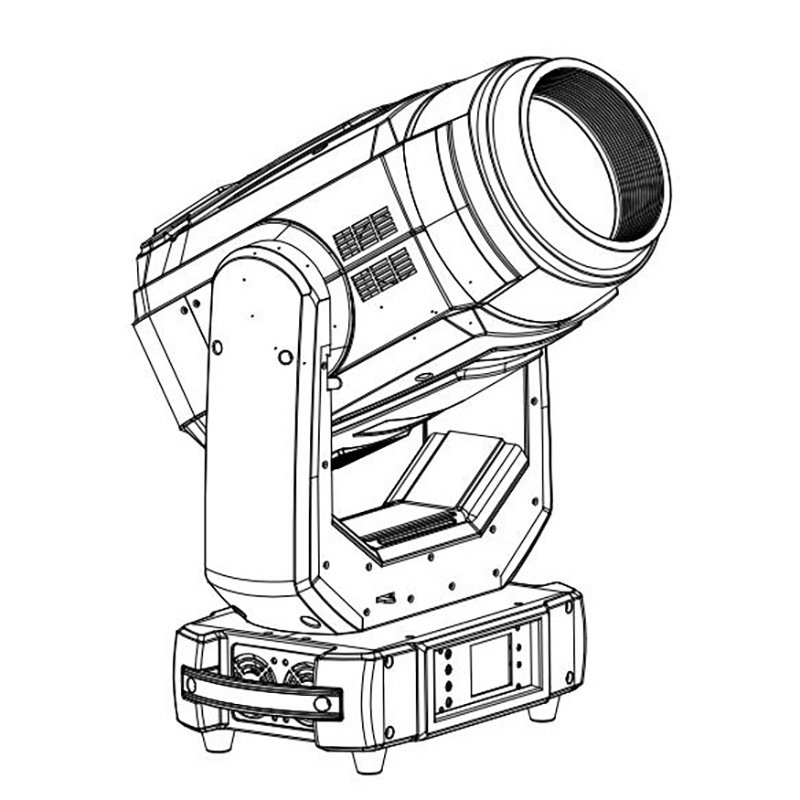
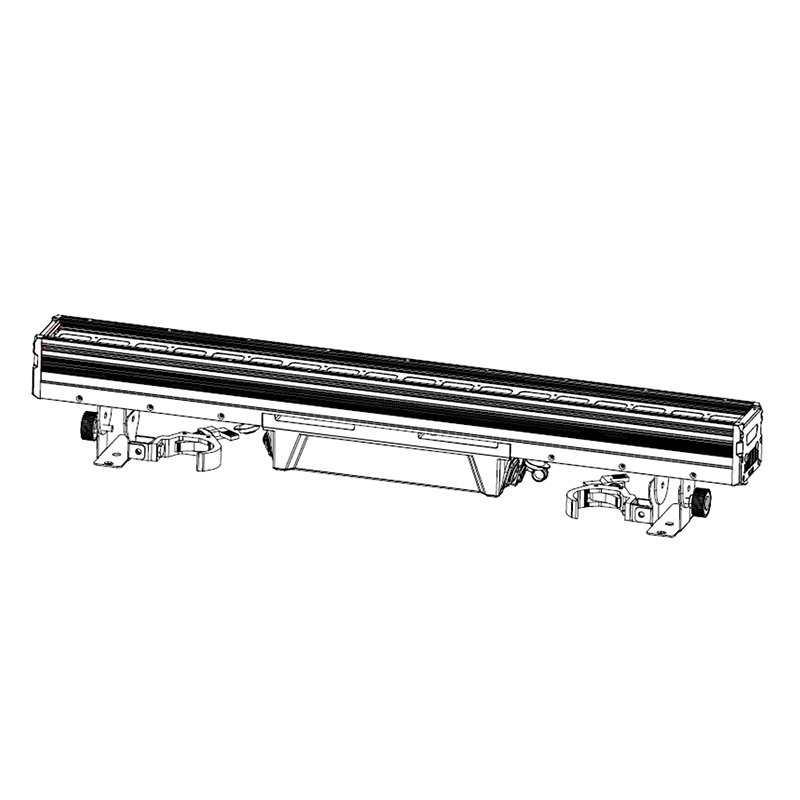
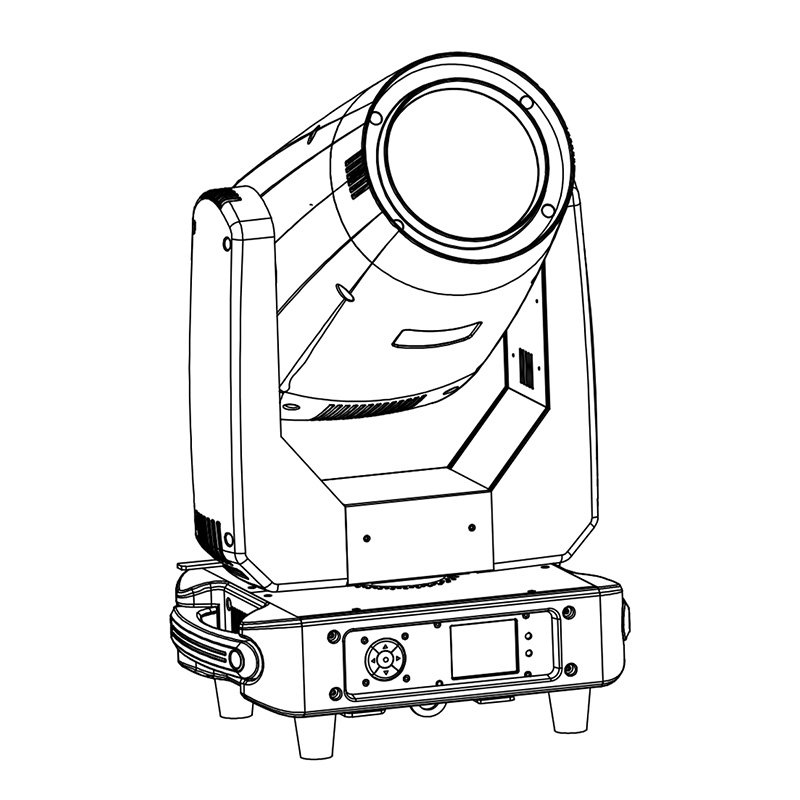
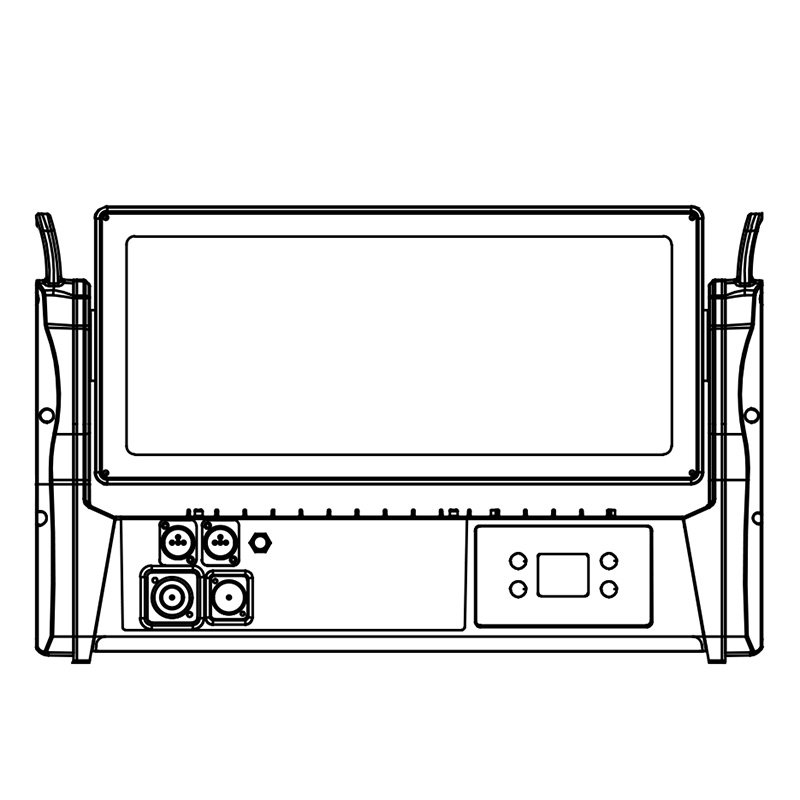
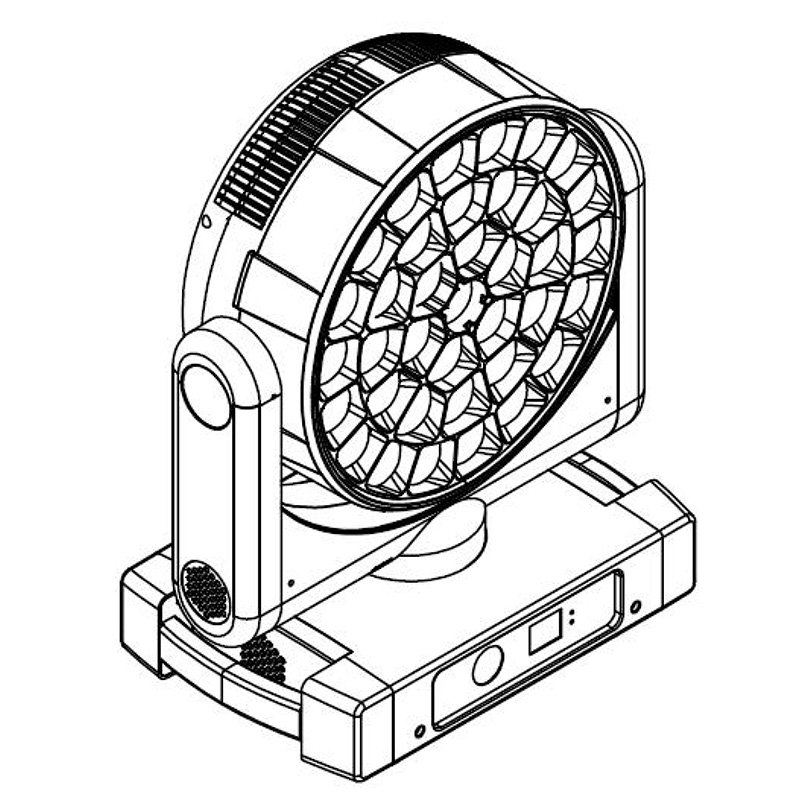
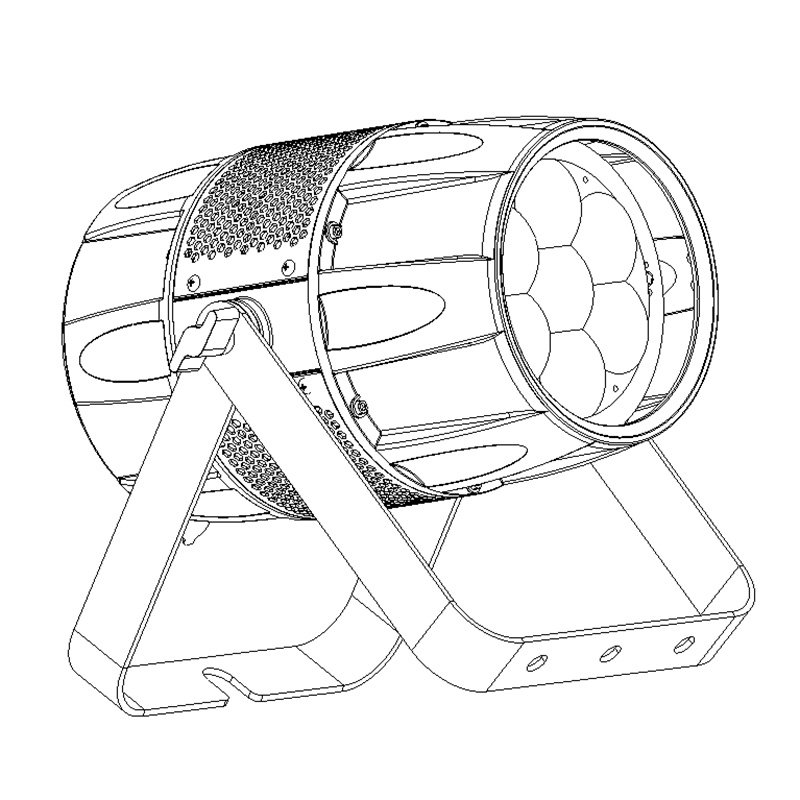
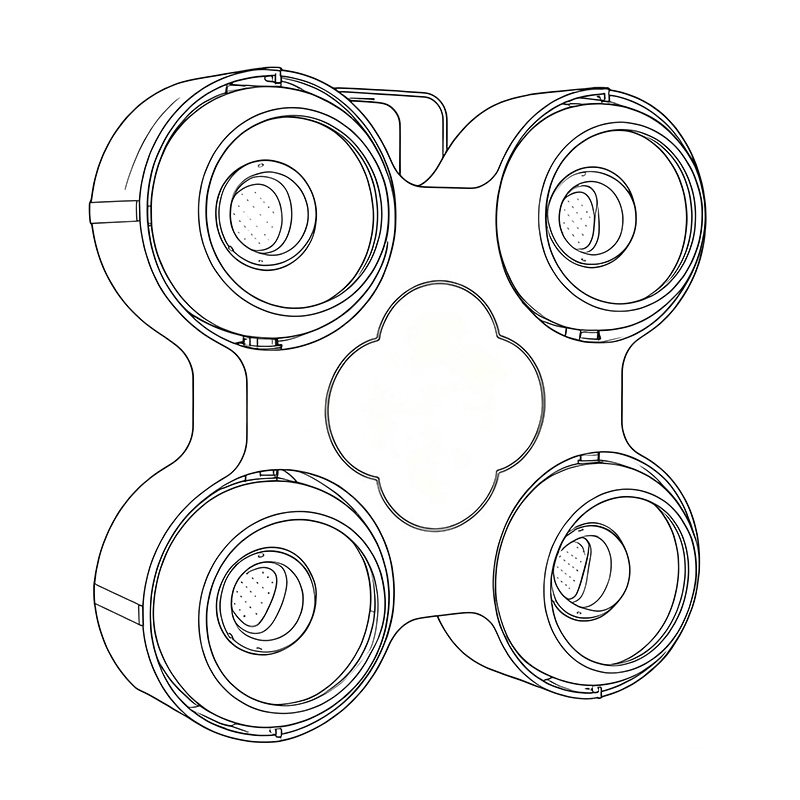
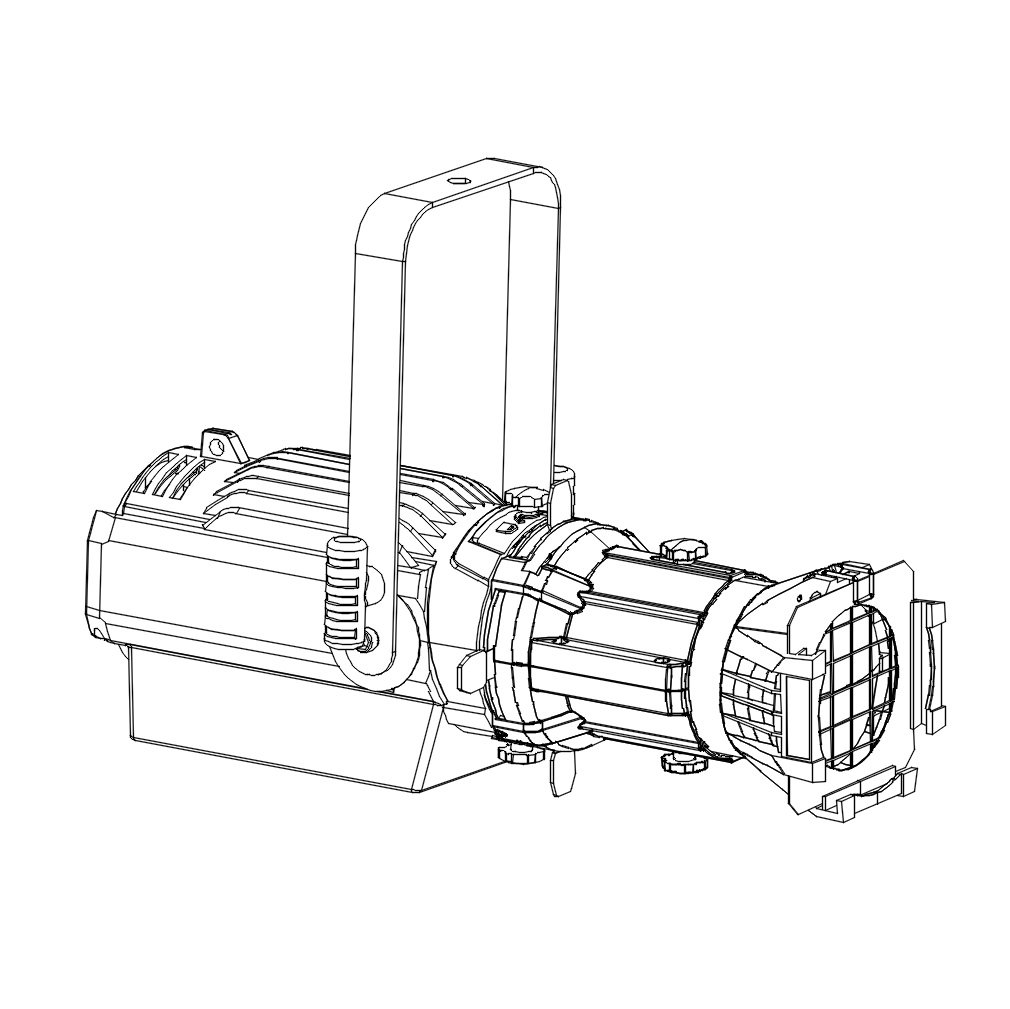
DMX512 is the control protocol that lets a lighting console address fixture channels and coordinate a show. Learn addressing, universes, channels, termination and profiles before specifying DMX-ready stage lighting.
Choose DMX-ready fixtures or request project guidance.
🔍 What Is DMX?
DMX stands for Digital Multiplex, and DMX512 is the protocol name defined by USITT (United States Institute for Theatre Technology) in 1986. It enables communication between a controller (console or software) and lighting or effects fixtures.
Key Specs of DMX512:
- 512 control channels per universe
- Refresh rate varies with packet timing and controller settings
- Standard signal: RS-485
- Up to 32 receiver unit loads per line; follow equipment limits
Basic DMX512 control is one-way: the controller sends channel values along the line, and every connected fixture receives the stream. Each fixture uses its start address and selected channel mode to read the relevant range. RDM adds two-way device management when the controller, fixtures and distribution equipment support it. For remote device discovery, DMX start-address changes and supported status reporting, see our detailed guide to RDM in stage lighting.
🧠 How DMX Works: Channel Logic
A fixture mode maps functions such as intensity, pan, color and strobe to DMX channels. The number and order depend on the model and mode; fine control or individual LED pixels can require additional channels. The simplified table below illustrates relative channel positions only and is not a DMX chart for a specific product.
| Feature | Channel Example |
|---|---|
| Dimmer | 1 |
| Strobe Speed | 2 |
| Color Wheel | 3 |
| Gobo Wheel | 4 |
| Pan/Tilt | 5–6 |
One universe provides up to 512 channels. More independent channels require additional controller universes, through separate DMX outputs or a network system such as Art-Net or sACN. A DMX splitter distributes copies of the same universe; it does not add channels.
Universe, Channel and Fixture Start Address
- Universe: one group of up to 512 DMX channels. Address 1 in universe 1 is separate from address 1 in universe 2.
- DMX channel: one data slot with a value from 0 to 255. The fixture’s DMX chart defines what that value does; some functions use multiple channels.
- Fixture start address: the first channel the fixture reads. Its selected mode determines how many consecutive channels it occupies, called its footprint. A console’s fixture or channel number need not equal this address.
DMX Address Example: Three 16-Channel Fixtures
This is an addressing example, not a channel chart for a particular AOLAIT model. Assume each fixture uses a 16-channel mode in universe 1.
| Fixture | Start address | Channels occupied |
|---|---|---|
| 1 | 001 | 1–16 |
| 2 | 017 | 17–32 |
| 3 | 033 | 33–48 |
Last channel = start address + footprint − 1. The next free start is 049. A 16-channel fixture can start no later than 497 because 497 + 16 − 1 = 512. If the remaining space is too small, use another universe. Recalculate the patch whenever you change channel mode.
Use non-overlapping ranges for independent control. Identical fixtures in the same mode can deliberately share an address to respond together; a partial overlap can make unrelated functions react unexpectedly.
📷 Typical DMX Wiring Setup

- Use DMX-rated data cables with connectors and pinouts matching the equipment. Five-pin XLR is the DMX512 standard; some fixtures use three-pin XLR.
- Daisy-chain fixtures:
Controller → Fixture 1 → Fixture 2 → ... → Terminator - Terminate the end of each DMX line with 120-ohm termination. Check whether the last fixture provides built-in or switchable termination before adding a plug.
Basic Connection and Setup
- Choose the mode: check the fixture manual for its DMX mode and footprint, then set that mode on the fixture.
- Connect the data path: run the console or interface’s DMX OUT to the first fixture’s DMX IN, then each THRU/OUT to the next IN. Use an active DMX splitter for separate branches; do not use a passive Y-cable.
- Match the patch: set each fixture’s start address and select the same model, mode, universe and address in the controller. With a network-to-DMX node, check which universe feeds the physical output.
- Test one fixture first: confirm DMX reception and test the documented dimmer, color and movement controls, then add the remaining fixtures. DMX carries control data; provide each fixture with the power supply specified in its manual.
For onboard controls, fixture profiles and cue programming, continue with How to Control Moving Head Lights.
🛠️ Required Components
To create a DMX-controlled system, you’ll need:
| Component | Role |
|---|---|
| DMX Controller | Console/software to send data (e.g., MA, Avo, Chamsys) |
| DMX Cables | Connect the controller to fixtures using DMX-rated data cable |
| Lighting Fixtures | DMX-enabled (e.g., moving head lights, LED pars, strobes) |
| DMX Terminator | Prevents data bounce at end of signal chain |
| Splitter (if needed) | Creates separate, regenerated branches of the same DMX universe |
📱 Wireless DMX Options
In modern setups, wireless DMX is increasingly common in touring and event lighting.
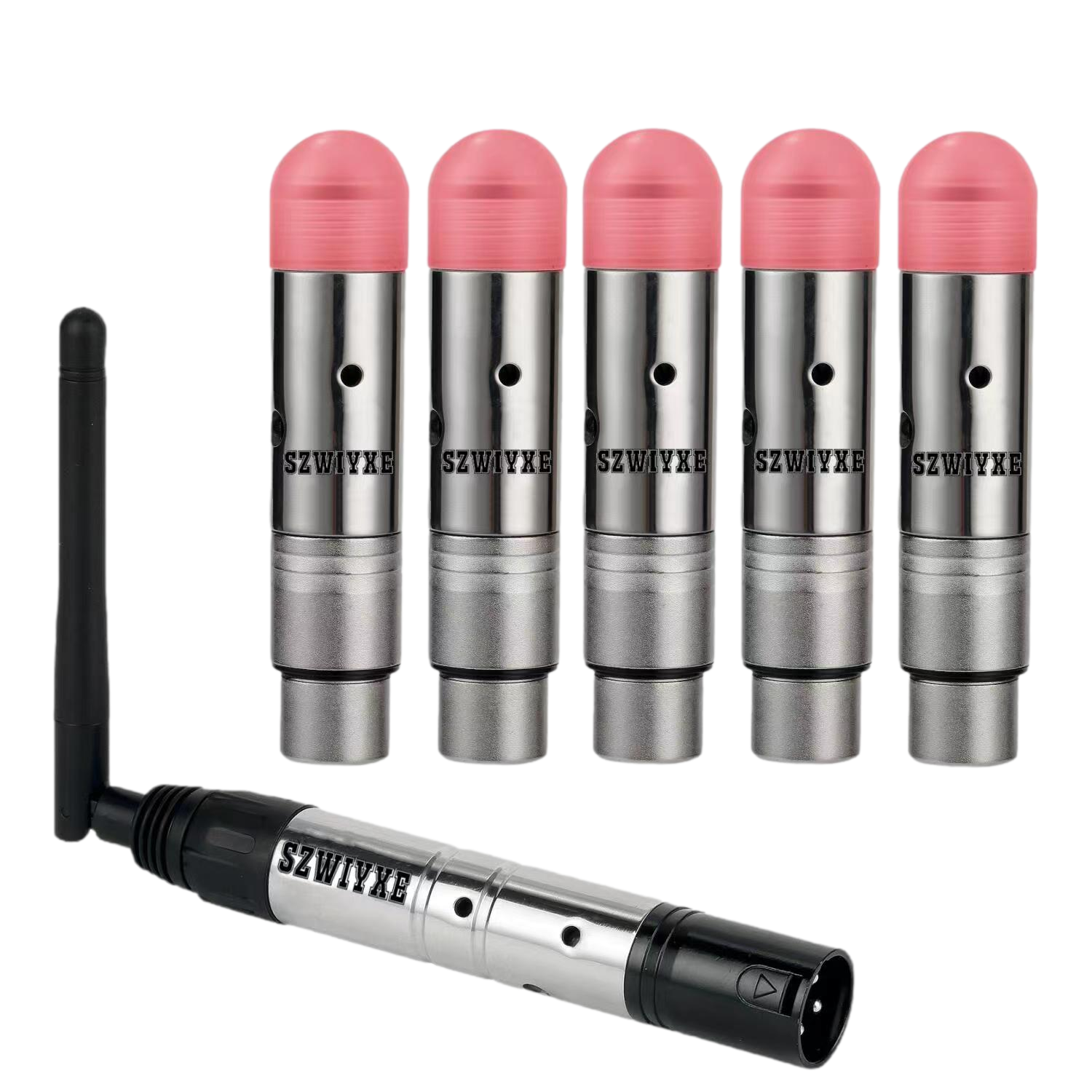
Advantages:
- Eliminates long cable runs
- Ideal for installations with limited access
- Easier rigging and teardown
Popular protocols include:
- LumenRadio CRMX
- W-DMX (Wireless DMX by Wireless Solution)
- Chauvet D-Fi
- ADJ WiFly
🎚️ Software-Based DMX Control
Not every DMX system requires a bulky console. Today’s software controllers offer powerful options for clubs, small venues, and portable rigs.
Common DMX Software:
- Lightkey (Mac)
- Freestyler (Windows)
- Onyx by Obsidian Control
- QLC+ (Open-source)
These connect via USB-to-DMX interfaces, offering cue stacks, FX engines, and MIDI integration.
🧩 Advanced Protocols: Art-Net and sACN
For large installations, Art-Net and Streaming ACN (sACN) carry lighting channel data over Ethernet networks. A compatible node converts network data to DMX for fixtures that need a DMX input. Supported universe counts depend on the controller, node and network design.
| Protocol | Universe addressing | Medium | Control and management |
|---|---|---|---|
| Art-Net 3/4 | Up to 32,768 universes | Ethernet | Lighting data; discovery and RDM where supported |
| sACN | 1–63,999 | Ethernet | Lighting data from sources to receivers; RDM needs a separate mechanism |
| DMX512 | One universe per data link | RS-485 data cable | One-way control; optional RDM on compatible equipment |
🎭 Real-World Applications of DMX Lighting
DMX is used across entertainment and architecture:
- 🎤 Concerts – Sync beams, strobes, color chases
- 🎭 Theater – Cue-based scenes, dimming control
- 🎧 Nightclubs – Sound-to-light, auto FX loops
- 🏛 Architectural – Building facade illumination
- 💒 Weddings/Events – Mobile uplighting, battery-powered lights
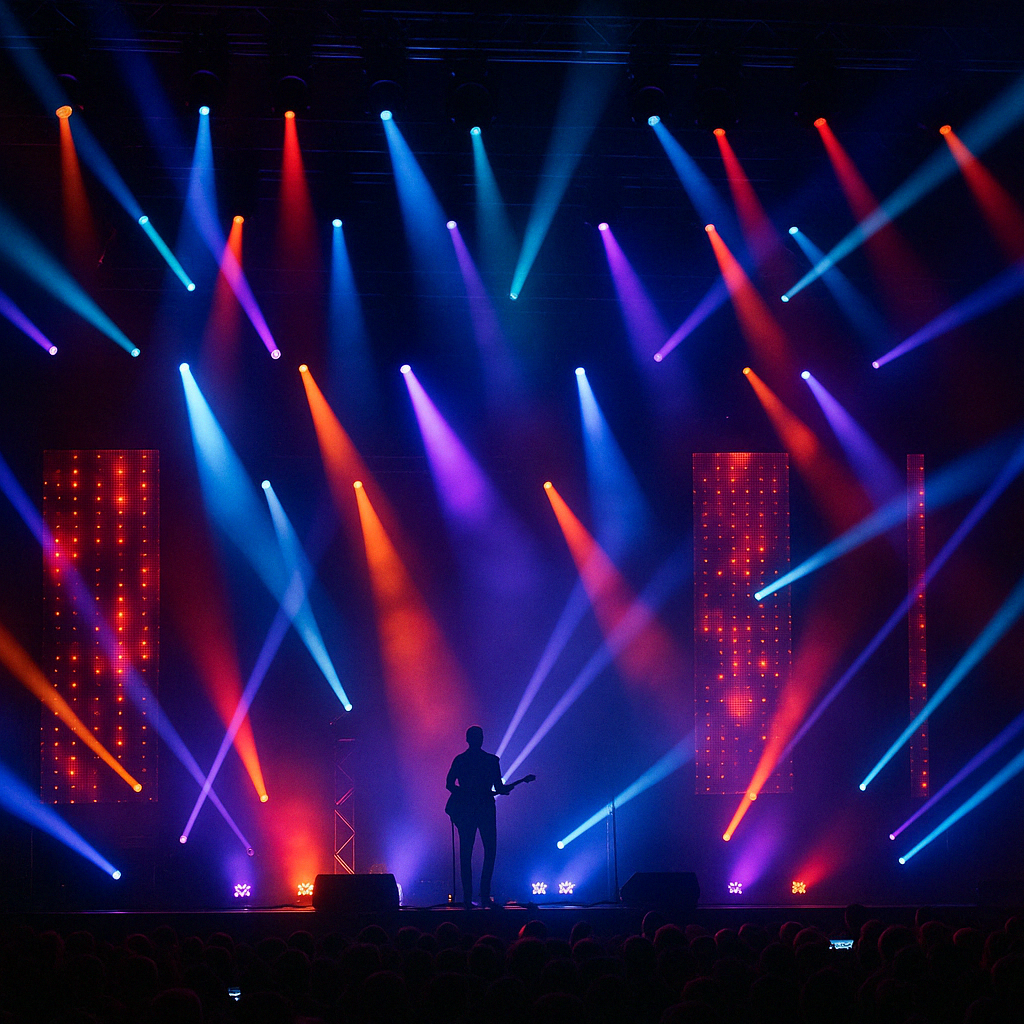 Concert Stage with DMX-Controlled Fixtures
🔍 DMX Troubleshooting: Fixtures Not Responding
| Symptom | Check first |
|---|---|
| No response from any fixture | Check fixture power, controller output and the selected universe. Confirm the cable runs from DMX OUT to DMX IN and the fixture is in DMX mode. |
| One fixture ignores commands or the wrong function responds | Match its start address and channel mode to the console profile. Compare the occupied range with the fixture manual and check for overlaps. |
| Movement works but no light appears | Check blackout, dimmer and shutter settings against the fixture’s DMX chart. Some light sources also require a documented lamp-on command. |
| Flickering or intermittent movement | Check end-of-line termination, DMX-rated cables and connectors. Bypass splitters and test one fixture directly with a short known-good cable. |
| The chain stops responding after one point | Check the cable and THRU/OUT connection at that point. Reconnect one section at a time and check the line’s receiver-load limit. |
Label fixtures, universes and start addresses so that the physical rig matches the patch list. If a fixture still fails on a known-good source and cable with the correct patch, consult its manual or service support.
❓FAQ Section
What does DMX stand for?
DMX stands for Digital Multiplex, specifically referring to DMX512, the standard protocol for controlling stage and event lighting.
How many lights can DMX control?
DMX512 can control 512 channels per universe. The number of lights depends on how many channels each fixture uses.
Can I control lights without a console?
Yes. Software-based controllers with USB-DMX adapters or wireless apps can control DMX fixtures without a traditional lighting desk.
What’s the difference between DMX and Art-Net?
DMX512 uses XLR cables for one universe. Art-Net sends multiple DMX universes over Ethernet for larger systems.
✅ Conclusion: Why DMX Is Still King
Despite emerging protocols and wireless systems, DMX512 remains widely used for lighting control worldwide. Understanding how it works empowers lighting engineers, venue managers, and designers to create precise, dynamic, and scalable lighting environments.
Want to learn more about DMX-controlled fixtures like beam, wash, and hybrid lights?
Check out our in-depth guide here.
Choose the right control-ready fixture for your show: compare the 19×40W LED Bee Eye Wash Moving Head and 380W Beam Moving Head, or request project guidance.