
 English
  Español
  Français
  Português
  Deutsch
  日本語
日本語  한국어
한국어  Türkçe
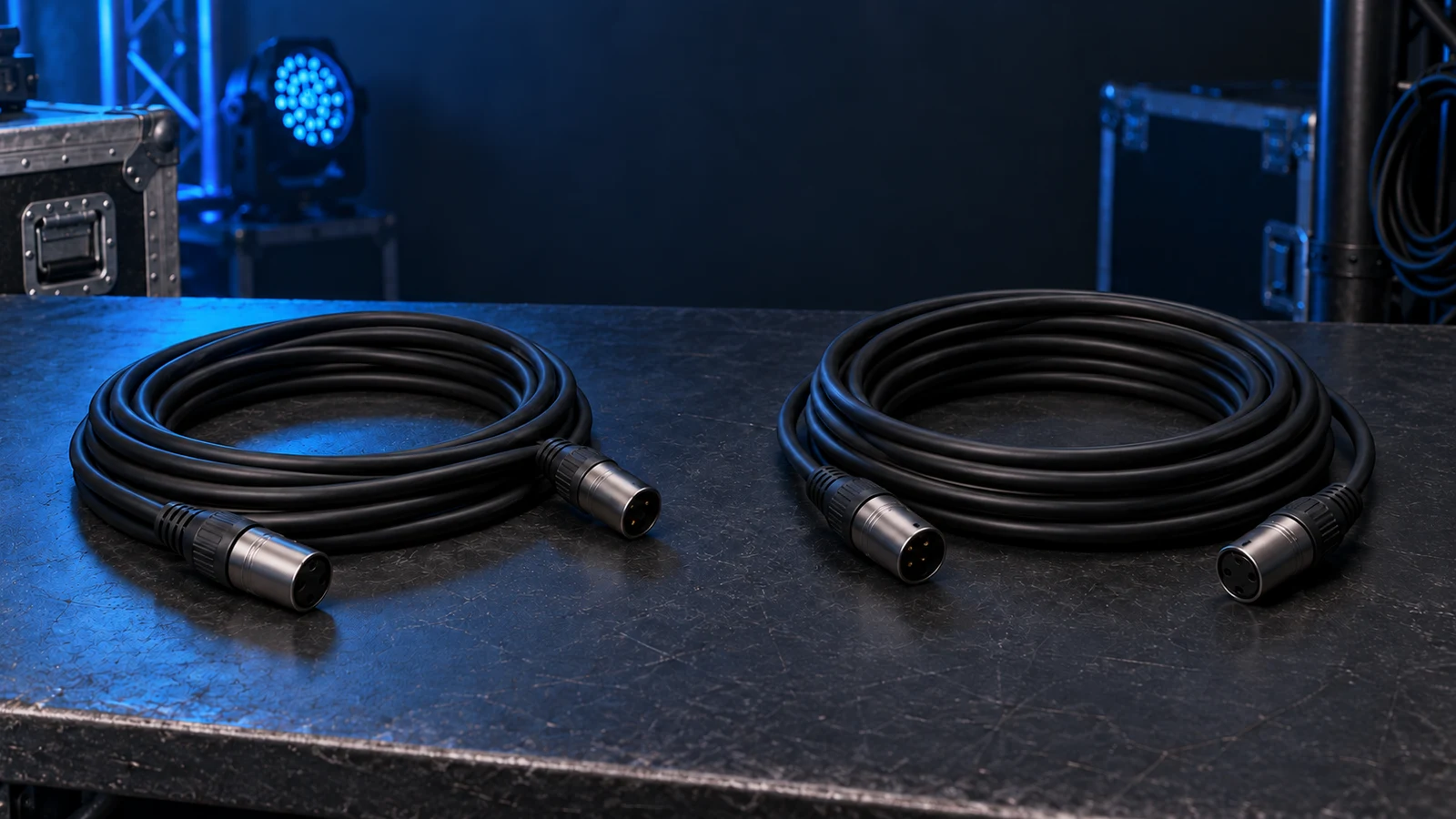
DMX cable and XLR microphone cable can look alike, but the connector does not make them interchangeable. XLR describes the plug and socket; DMX512 is a lighting-control protocol. A DMX-rated cable has electrical characteristics suited to its digital data link, commonly a nominal 120-ohm characteristic impedance. An ordinary analog microphone cable is designed for audio and may not meet those requirements. It can appear to work in a short lighting chain without being a dependable choice. For rental, production and venue rigs, choose documented DMX data cable, match the connectors and terminate the line as the equipment requires.
DMX Cable vs XLR Audio Cable: A Quick Comparison
| What to compare | DMX-rated data cable | Typical analog microphone cable |
|---|---|---|
| Intended use | Digital lighting-control data | Analog microphone or balanced audio signals |
| Characteristic impedance | Specified for data use; 120Ω is a common nominal value | Depends on the particular cable; do not assume DMX suitability |
| Cable construction | Suitable data pair, shielding and documented electrical properties | Often shielded and twisted, but those features alone do not establish data suitability |
| Connector | Five-pin XLR is the standard portable DMX connector; three-pin implementations are common | Three-pin XLR is common |
| Acceptance check | Datasheet, pinout, assembly quality and operation in the planned rig | Audio performance does not establish DMX performance |
This DMX cable vs XLR comparison concerns the cable as well as its connectors. For protocol fundamentals and address planning, use our DMX512 lighting-control guide.
XLR Is a Connector, Not a Cable Specification
An XLR connector tells you about the physical interface, not the electrical properties of the cable behind it. Two leads with identical plugs may use different conductor geometry, insulation and electrical specifications. A three-pin lead sold for microphones is therefore not automatically a DMX lead.
Ask for the cable manufacturer and part number, not just an “XLR cable” description on a quotation. A jacket marking can help identify stock, but a supplier’s datasheet is more useful than plug appearance. Keep lighting-data and audio leads separately labelled so a replacement during load-in matches the original specification.
Do not confuse analog microphone cable with a cable specifically rated for another digital application. Judge the actual part number and the equipment’s requirements, rather than treating every cable sold under an audio category as electrically identical.
Why DMX Cable Impedance Matters
What Does “120 Ohms” Mean?
DMX cable impedance usually refers to characteristic impedance: the relationship between voltage and current in a signal travelling along the cable. It depends on the cable’s construction. It is different from the conductor’s DC resistance, which increases with length.
A 120 ohm DMX cable does not contain a 120-ohm series resistor. As a concrete example, Belden’s 9841 RS-485 cable specifications list characteristic impedance separately from conductor DC resistance. The numbers describe different properties; that datasheet is an electrical example, not a blanket recommendation for every touring or installation environment.
A multimeter’s normal resistance range cannot confirm characteristic impedance. It can help check continuity, shorts and pin mapping on a disconnected cable. Measuring approximately 120Ω across a disconnected terminator checks its resistor, not the cable’s data rating. Confirm cable suitability through documentation; specialist impedance measurement needs suitable instruments and methods, with appropriate test settings and an understanding of their limitations.

How Impedance Mismatch Affects Lighting Control
DMX uses a balanced differential data link. At changes in impedance, part of a travelling signal can reflect back along the line. Reflections can disturb the signal that a receiver interprets. Termination should therefore match the line’s intended impedance; this transmission-line explanation illustrates the underlying behaviour.
That mechanism explains the preference for appropriate data cable, but it does not prove that every flicker is a cable-impedance fault. Connector damage, termination, topology and device behaviour also affect the link. A working bench test is useful evidence for that setup, not proof that an undocumented cable will work after the rig changes.
Can You Use a Microphone Cable for DMX?
An ordinary microphone cable may pass DMX in a short, simple setup. That observation does not establish a reliable operating distance. Cable properties, transmitter and receiver design, connectors, line loading and the installation environment all matter. There is no universal “safe number of metres” to promise a buyer.
For a rental inventory or permanent venue, make documented data cable the purchasing requirement. Choose cable matched to the digital signal rather than non-rated microphone cable.
If you inherit an installation with unidentified leads, record their markings and route lengths, then replace uncertain stock with suitable data cable. Keep a known-good jumper for fault isolation. A successful test should not become permission to supply unspecified microphone cable on the next project. The practical DMX cable vs microphone cable decision is about predictable deployment and traceable replacements.
3-Pin vs 5-Pin DMX: What Changes?
Five-pin XLR is the standard portable connector for DMX512. Many fixtures also use three-pin XLR, so check the sockets and pinout before choosing cables or adapters.
For the usual primary DMX link:
- Pin 1: signal common; do not simply equate it with protective earth.
- Pin 2: Data−.
- Pin 3: Data+.
- Pins 4 and 5 are provided for an optional secondary data pair. Check the equipment documentation for their specific use.
Check the manufacturer’s connection information before making adapters, especially with older or unusual equipment. A three-pin-to-five-pin adapter changes the connector interface and maps conductors; it does not change the cable’s impedance, shielding or capacitance.
Five pins also do not add ordinary DMX channels or improve brightness. The primary DMX link still carries one universe of up to 512 channels. Extra pins are not an upgrade to the fixture’s light output.
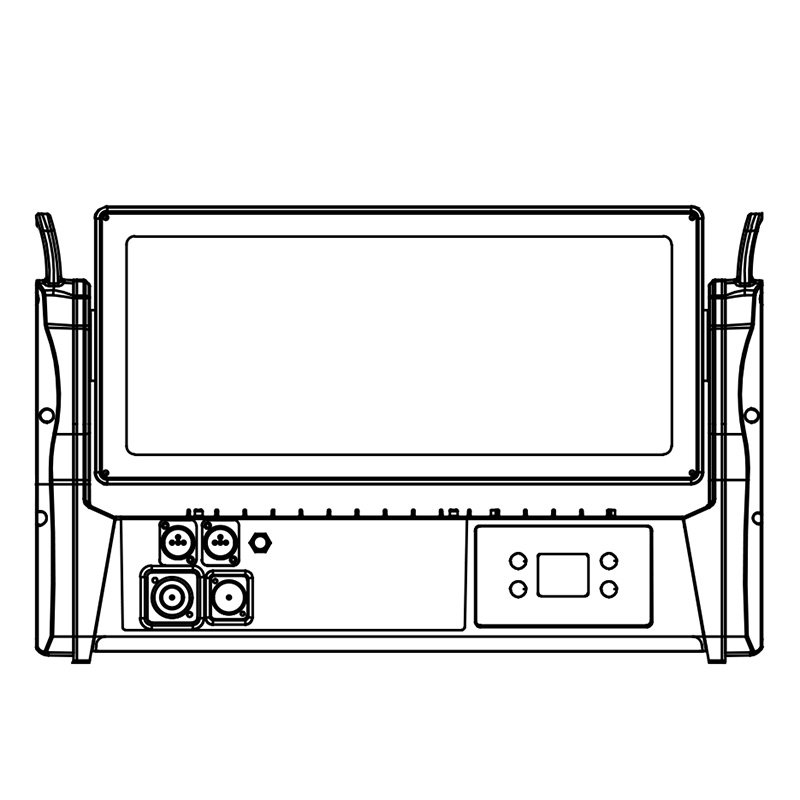
The AOLAIT AL3715WZ, for example, lists both three-pin and five-pin XLR inputs and outputs. Match your cable kit to the supplied fixture and follow its connection instructions. For branching, use a suitable active DMX splitter.
Do You Still Need a DMX Terminator?
Terminate the end of each DMX line as the equipment instructions require, normally with 120Ω across the primary data pair. An external terminator connects to the last fixture’s DMX OUT, not its power output. Short runs should still follow the prescribed termination arrangement; apparent operation without it is not a reason to omit it.
Check for built-in, switchable or automatic termination first. Do not add an external plug on top of an already active internal termination unless the manufacturer specifically requires that arrangement.

For branches, use an appropriate active DMX splitter rather than a passive Y cable. Each output branch needs its own correct end termination. If the project uses RDM, the splitter must support RDM transactions; ordinary DMX distribution does not automatically pass replies. Our RDM stage-lighting guide explains that compatibility requirement.
How to Choose DMX Cables for a Rental or Installation Rig
Build a cable schedule around the actual fixture list and routes. For repeat deployments, a clear purchasing specification is easier to maintain than a collection of leads that happen to fit.
- Identify the cable. Request the manufacturer, part number, DMX/data suitability, nominal characteristic impedance and relevant electrical specifications. Avoid accepting “shielded XLR” as the complete description.
- Match every interface. Record three-pin or five-pin connectors, direction, pinout and required adapters at controllers, splitters and fixtures. Keep adapter quantities explicit.
- Choose the right physical construction. Rental leads need flexibility, strain relief and serviceable connectors. Fixed installations need cable appropriate to the route, building requirements and termination method.
- Check the complete line design. Check the equipment’s specified line-length limits, receiver loading, splitter configuration and termination method. Record the routes and test the complete layout with the intended equipment.
- Check environmental protection. An IP65 fixture does not make a connection using an ordinary XLR plug equally weatherproof. Specify the mating connector, cable entry and protection method required for the assembled connection.
- Plan acceptance and spares. Inspect assembly quality, verify pin mapping and test representative cable lengths with the intended equipment. Label passed stock and retain the part numbers for repeat purchases.
Give distributors the route schedule before they quote lengths and connector combinations. Agree how substitutions will be approved, and require replacement batches to retain the same documented specification. Separate cable quantity from fixture quantity: a rig also needs interconnects, controller leads, adapters, spares and the appropriate termination provision.
What to Check If Your Lights Flicker or Respond Erratically
Start with a repeatable isolation test rather than assuming the audio cable caused the fault. Check fixture settings, power, cables and distribution equipment because several faults can produce similar symptoms.
- Confirm power, DMX mode, start address and the console’s matching fixture mode.
- Connect the affected fixture directly to a known-good output using a known-good DMX jumper and the required termination.
- If it works, reconnect the original route one section at a time, including adapters and splitters.
- Inspect pins, connector latches, strain relief and damaged cable sections. Check termination settings at the final device.
- If the fault remains on the direct connection, investigate the source, fixture settings, supported timing and receiver hardware with the manufacturer.
Record what changed and whether the fault followed a cable, fixture or output. Keep protective earth intact; resolve suspected reference-potential issues using the manufacturer’s approved isolation arrangement and qualified technical help. For setup and programming checks, continue with How to Control Moving Head Lights.
Frequently Asked Questions
Are DMX and XLR cables the same?
No. XLR names a connector family; DMX names a lighting-control protocol. A lead with XLR plugs needs a suitable cable specification and correct pinout to serve as a DMX cable.
Can I use a microphone cable for DMX?
It may appear to work in a short setup, but ordinary analog microphone cable is not a dependable substitute for documented DMX data cable. No universal safe distance applies.
Can a multimeter verify 120-ohm DMX cable impedance?
Not in its normal resistance mode. That checks DC resistance, continuity or shorts. Characteristic impedance is a different property; use the cable datasheet and appropriate specialist testing where required.
Does a 3-pin to 5-pin adapter make an audio cable suitable for DMX?
No. A correctly wired adapter changes the interface, not the cable’s electrical characteristics. Verify both pin mapping and the cable specification.
Do short DMX runs need termination?
Follow the equipment’s end-of-line termination requirements even on short runs. Check whether the last device already terminates the line internally, through a switch or automatically, before fitting an external terminator.
Does a 5-pin DMX cable carry more channels than a 3-pin cable?
Not on the ordinary primary DMX link: one universe provides up to 512 channels. Pins 4 and 5 do not automatically create another universe, and their use must be documented by the equipment manufacturer.
Plan the Connections Before You Order
Choose the cable by its data specification, the connectors by the fixture interfaces, and termination by the line design. A documented cable schedule makes equipment purchases and replacements easier to manage.
Send AOLAIT your fixture models, quantity, connector type and approximate cable routes so we can discuss fixture connection requirements for your project.
Technical References
- ETC — DMX512 cabling, topology and termination
- ENTTEC — DMX512 connectors and data pairs
- ENTTEC — DMX troubleshooting
- Texas Instruments — Transmission-line impedance and termination
- Belden — 9841 cable electrical specifications
- Fluke Networks — Characteristic-impedance measurement
- Pathway/Acuity — DMX installation and pin mapping