
 English
  Español
  Français
  Português
  Deutsch
  日本語
日本語  한국어
한국어  Türkçe
Stage lighting control guide
What Is RDM in Stage Lighting? DMX Addressing, Monitoring & Limitations
A practical guide to Remote Device Management for rental companies, theatres, integrators and professional lighting buyers.
What does RDM mean in stage lighting?
RDM is Remote Device Management, standardized as ANSI E1.20. ESTA’s current published revision is ANSI E1.20-2025. It defines bidirectional communication between an RDM controller and one or more RDM responders over a DMX512 data link. A responder may be a moving head, dimmer, splitter or another compatible device.
Basic DMX512 sends continuously updated channel levels from a controller to fixtures. RDM adds structured management transactions between those DMX packets. That distinction matters: pan, tilt, intensity and colour still belong to normal DMX show control; discovery, identification, configuration and supported status reporting belong to RDM.
If you need the foundation first, read AOLAIT’s guide to how DMX512 lighting control works. This article focuses only on the management layer that RDM adds.
RDM vs DMX512: what is the difference?
| Buyer question | DMX512 | RDM / ANSI E1.20 |
|---|---|---|
| Communication direction | Controller to fixtures | Controller requests; responders reply |
| Primary purpose | Real-time show control | Device management and supported reporting |
| Fixture control | Sends channel values for intensity, movement, colour and effects | Does not replace the normal DMX control stream |
| Discovery | No standard reply from fixtures | Controller can discover compatible responders |
| Remote DMX addressing | Normally set at the fixture or by another vendor-specific method | Can set the DMX start address when controller and responder support the relevant parameter |
| Device information | Not returned by basic DMX | Can read implemented identity and device information |
| Status and monitoring | No return path in basic DMX | Available only for status, sensors and PIDs implemented by the responder |
| Cabling relationship | Uses a DMX512 data link | Shares a compatible DMX512 link; the complete signal path must pass RDM correctly |
| Compatibility | DMX-capable controller and fixtures | RDM-capable controller, responders and compatible distribution equipment |

How does RDM communication work?
An RDM system has one active controller on a link and one or more responders. Each responder has a unique identifier, or UID. During discovery, the controller finds the UIDs on the line without requiring an operator to walk to every fixture.
- Discover: the controller searches for RDM responders on the link.
- Identify: discovered devices are distinguished by UID and available device information.
- Interrogate: the controller uses supported parameter identifiers, or PIDs, to ask for information.
- Read: a GET command requests an implemented value, such as the current start address.
- Change: a SET command asks a responder to change a supported parameter; the responder returns an acknowledgement or an error response.
- Continue control: ordinary DMX levels continue to carry the show.
The protocol defines the transaction method, but it does not make every optional parameter available on every product. The RDM Protocol guidance specifically advises users to check which functions their equipment implements.

What can RDM actually do?
Remote DMX addressing
Read and, when implemented, set a responder’s DMX start address from the controller.
Device discovery and identification
Build an inventory of responding UIDs and distinguish fixtures without relying only on physical labels.
Read device information
Retrieve implemented information such as model identity, software version, DMX footprint or current personality.
Monitor supported status data
Read status messages or sensor values only when the fixture contains the relevant sensor and exposes the corresponding PID.
Configure supported parameters
Change implemented settings such as a start address or personality. The controller interface and responder determine what is exposed.
Support maintenance
Use identification, status and implemented diagnostics to narrow a fault before physical inspection.
Procurement rule: “RDM supported” confirms protocol compatibility, not a universal feature list. Request the supported PID or management-function matrix when those details matter to commissioning or fleet service.
Can you change a DMX address without accessing the fixture?
Yes—physical access to the fixture’s menu is not required when the fixture is powered, connected through an RDM-compatible signal path and paired with a controller that supports remote start-address changes. The controller discovers the responder, the technician selects the correct UID, and a supported SET command writes the new DMX start address.
But “without accessing the fixture” does not mean “without power.” An unpowered fixture cannot receive the request or return an acknowledgement. It must have electrical power and network connectivity. RDM can remove the need to climb to a menu on a truss; it cannot communicate with a disconnected or unpowered device.
After changing an address, verify the patch and the response under normal DMX control. A successful management change does not prevent overlapping channel ranges or an incorrect personality selection elsewhere in the system.
What equipment is required for RDM?
- An RDM-capable controller: a console, application and interface, gateway or test tool that can discover and manage responders.
- RDM-compatible fixtures: DMX support alone is not evidence of RDM support.
- A compatible signal path: every splitter, repeater, opto-isolator, wireless link or node in the route must pass or proxy RDM as required by the design.
- Correct DMX infrastructure: use suitable data cable, correct connector wiring and termination practices. RDM does not repair a marginal DMX line.
- Documentation: confirm supported functions, PIDs, personalities and any controller-specific workflow before commissioning.
A legacy unidirectional splitter may pass DMX levels but block return traffic, so fixtures appear controllable while remaining invisible to RDM. Check the specific product documentation rather than assuming that every device labelled “DMX” supports a bidirectional path.
RDM limitations buyers should understand
- Not every DMX fixture supports RDM. DMX512 compatibility and RDM compatibility are separate specification lines.
- Supported parameters vary. A responder may support discovery and addressing but not the sensor, status or configuration data your workflow expects.
- Controllers expose different feature sets. A parameter implemented by a fixture is useful only if the controller can present or send it correctly.
- RDM is management, not show programming. Use DMX512, Art-Net, sACN or the system’s control architecture for normal cue data.
- Temperature is not guaranteed. Temperature monitoring requires an implemented sensor and supported sensor PIDs.
- Firmware upload is not implied by basic RDM support. ESTA published ANSI E1.37-4 in 2026 for file transfer control with firmware-upload capabilities, but both ends must implement the relevant feature and workflow.
- Network design still matters. Cabling, termination, splitters, wireless equipment and gateways can determine whether the return path works reliably.
When is RDM most useful?
Touring and rental fleets
Discover devices, confirm identities and adjust addresses during changing rig layouts.
Theatre installations
Manage supported settings on fixtures whose local displays are high above the stage or inside fixed positions.
Outdoor and IP-rated installations
Reduce unnecessary access to elevated or weather-exposed fixtures while retaining normal inspection schedules.
Large stage systems
Use UID-based discovery to distinguish many responders and validate patch changes more systematically.
System integration
Commission compatible devices, record implemented information and troubleshoot the management path.
RDM can reduce repetitive menu access, but it does not eliminate safe rigging access, visual inspection, maintenance records or technician judgement.
RDM-compatible moving heads: what buyers should verify
Do not stop at a single “RDM” line on a product page. For a rental fleet, theatre or integration project, compare:
- explicit RDM support in the current manual or specification
- supported management functions or PIDs, where documented
- DMX personalities and channel footprints
- remote start-address and personality support
- local display and menu behaviour
- firmware-management method
- implemented error, status and sensor data
- compatibility with splitters, gateways and the intended controller
- manual quality and version control
Also verify the fixture type before comparing features. A long-throw beam, a zoom wash and a framing profile solve different optical tasks. AOLAIT’s beam moving heads, wash moving heads and beam-spot-wash hybrids provide useful starting points, but RDM support must still be confirmed model by model.
Verified on current AOLAIT product pages
AOLAIT moving heads with documented RDM support
The models below were selected only where the live product specification explicitly states RDM support. The published pages do not provide a complete PID matrix, so confirm the exact management functions needed for your controller and project before ordering.
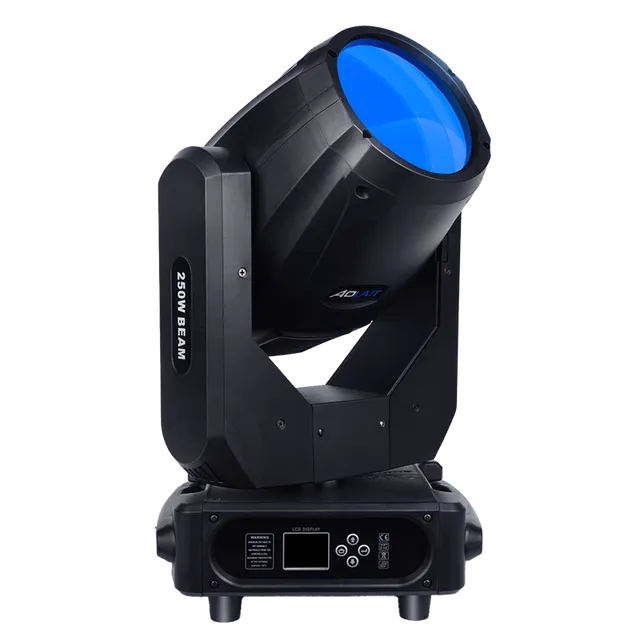
AL250RX 250W LED Beam Spot Wash
Hybrid moving head with published 6°–26° beam and 10°–37° spot ranges. Its specification lists RDM support.
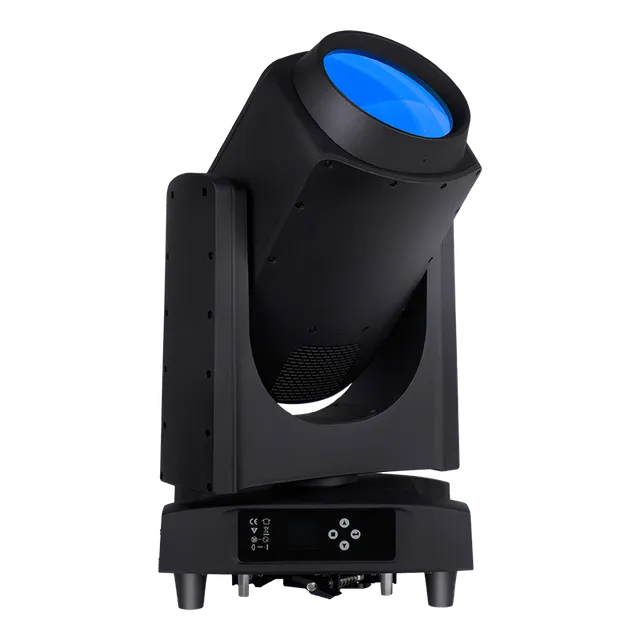
ALP260B 260W Laser Beam IP
Outdoor-oriented beam fixture with a 165 mm lens, fixed gobos and dual prisms. The control specification states DMX512 and RDM.
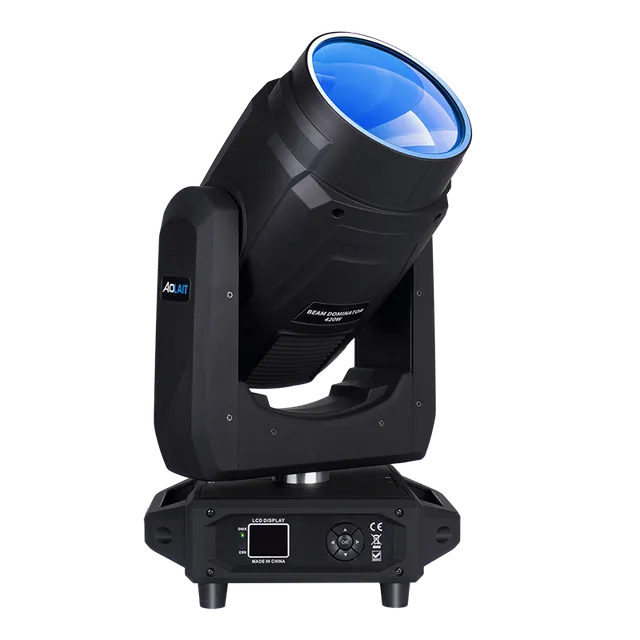
AL420B 420W Beam Dominator
Lamp beam moving head with a published 0°–4° beam, multiple prism effects and an RDM control mode.
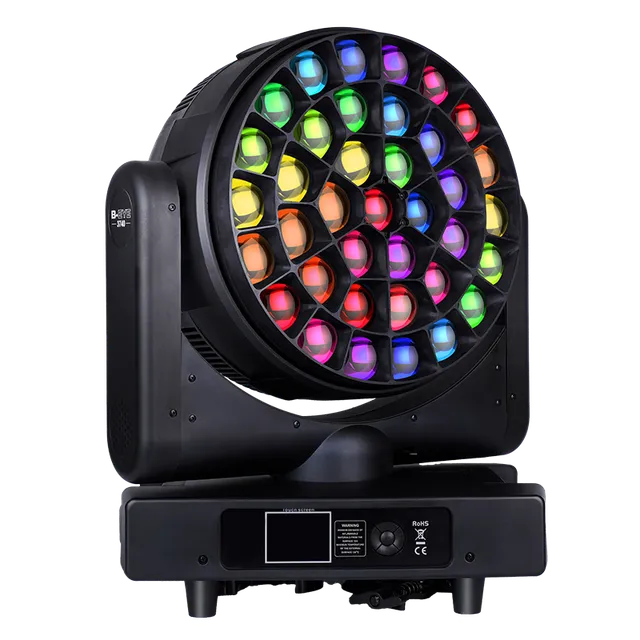
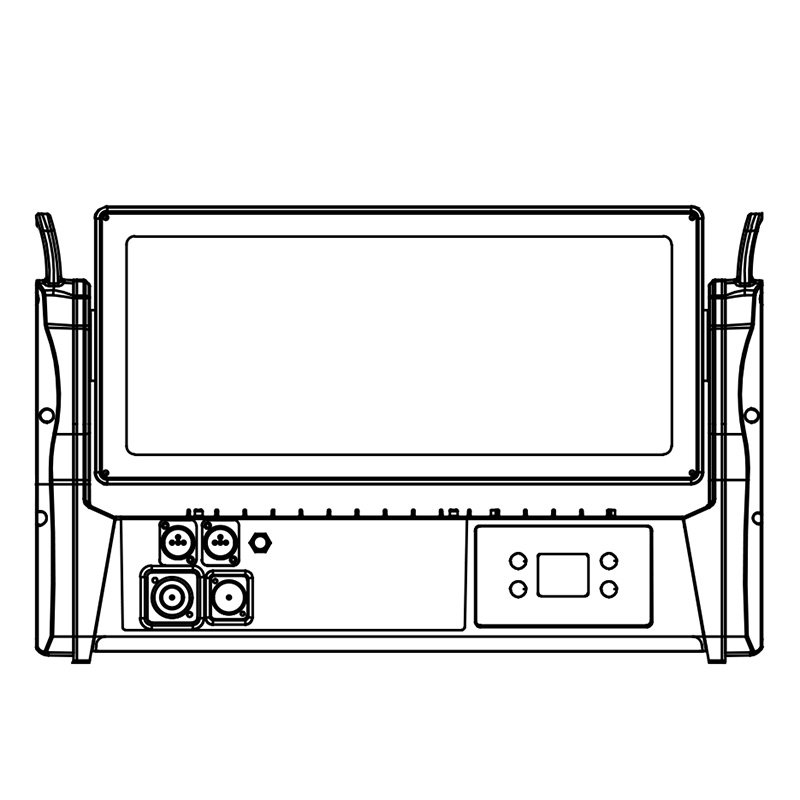
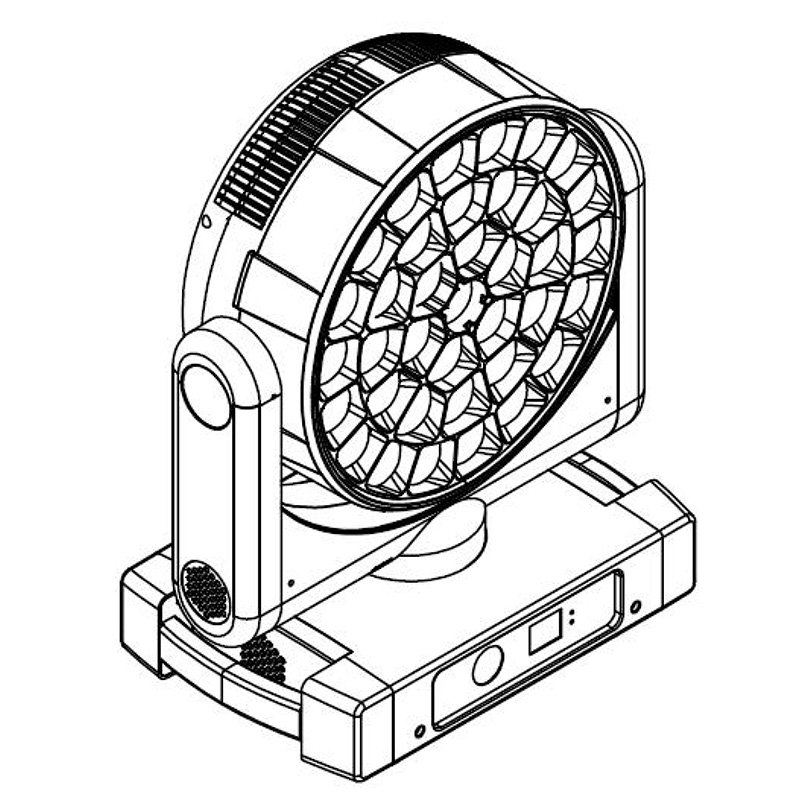
AL3740WR 37×40W RGBW Wash
IP65 wash moving head with a published 2°–60° optical range, CTO control and RDM protocol support.
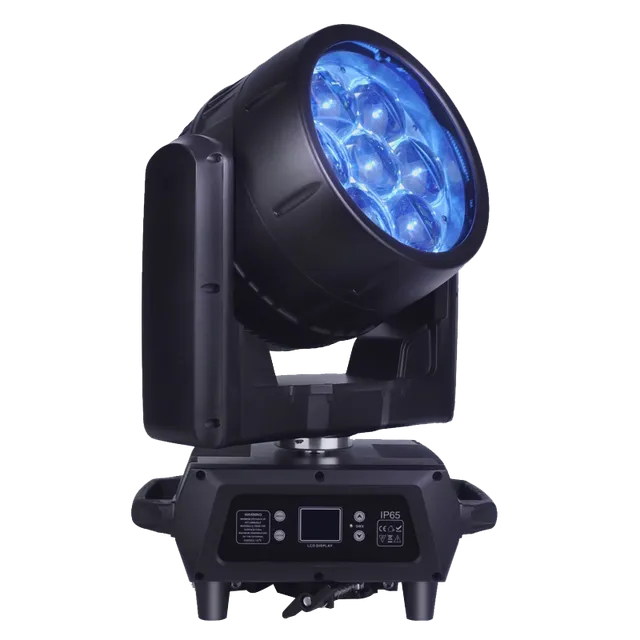
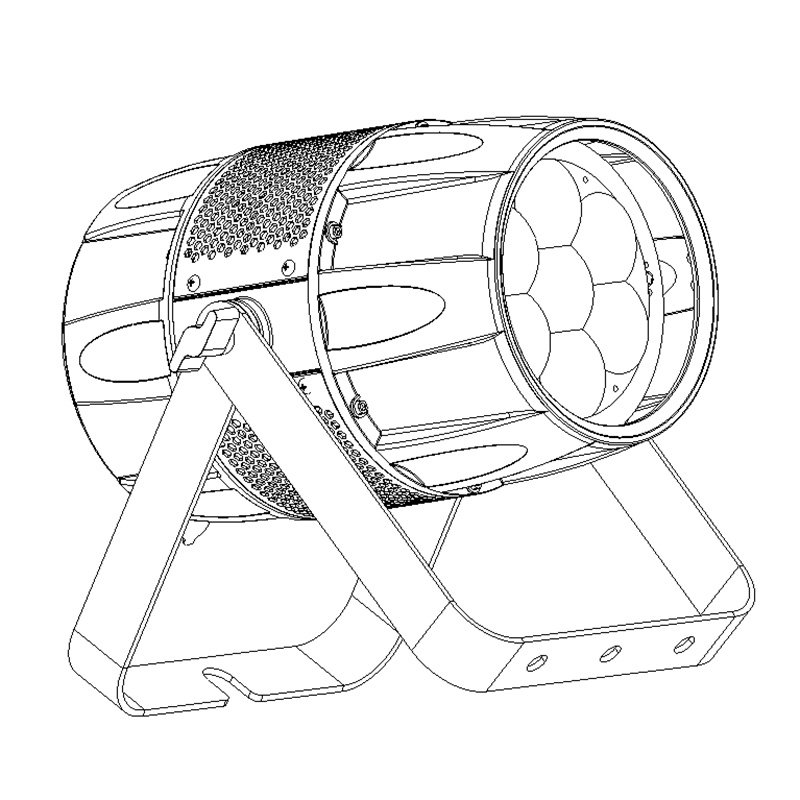
AL0760WP 7×60W Bee Eye Wash
IP65 RGBW wash with a published 7°–45° motorized zoom. The product page lists DMX512, RDM and optional Art-Net.
RDM stage lighting FAQ
What is RDM in stage lighting?
RDM is Remote Device Management, the ANSI E1.20 protocol for bidirectional management communication over a compatible DMX512 link. It supports discovery, identification and implemented configuration or status functions.
What is the difference between RDM and DMX512?
DMX512 carries one-way show-control levels from a controller to fixtures. RDM adds controller-requested, responder-returned management messages while normal DMX control continues.
Can RDM change a fixture’s DMX address remotely?
Yes, when the powered fixture, controller and complete signal path support RDM and the relevant start-address parameter. Select the fixture by its discovered identity and verify the new patch after the change.
Does RDM work over standard DMX cabling?
RDM is designed to operate on a compatible DMX512 data link. Use proper DMX cable and termination, and make sure every splitter, repeater, wireless link or node in the path supports the required bidirectional communication.
Does every DMX fixture support RDM?
No. A fixture can accept DMX512 without implementing RDM. Look for an explicit RDM statement in the current product specification or manual.
Can RDM monitor fixture temperature?
Only when the fixture has an applicable sensor and implements the required sensor parameter, and the controller can display it. RDM support alone does not guarantee temperature reporting.
Can RDM update fixture firmware?
Not automatically. Firmware transfer requires compatible controller and responder implementations of the applicable workflow; basic RDM support by itself is not a firmware-update guarantee.
Does RDM work if the fixture has no power?
No. The responder must be powered and connected so it can receive a request and send a response. RDM avoids physical menu access; it does not configure an unpowered fixture.