
 English
  Español
  Français
  Português
  Deutsch
  日本語
日本語  한국어
한국어  Türkçe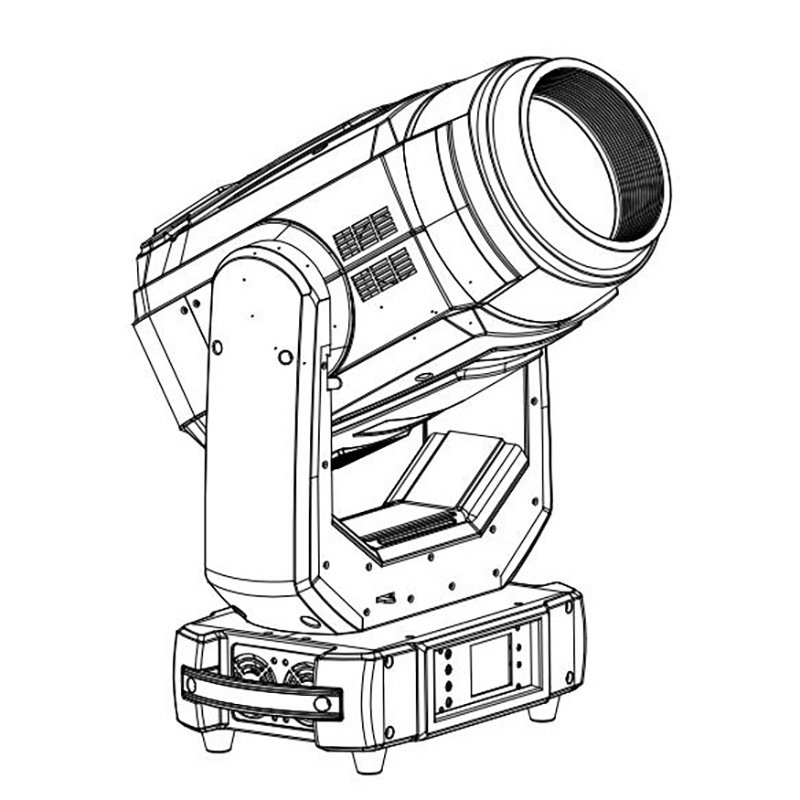
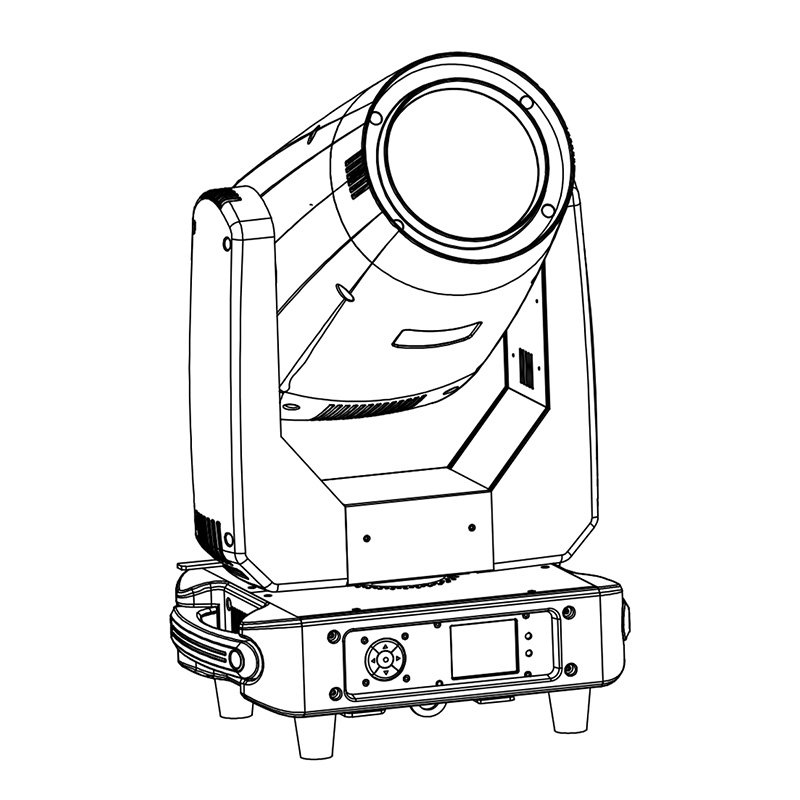
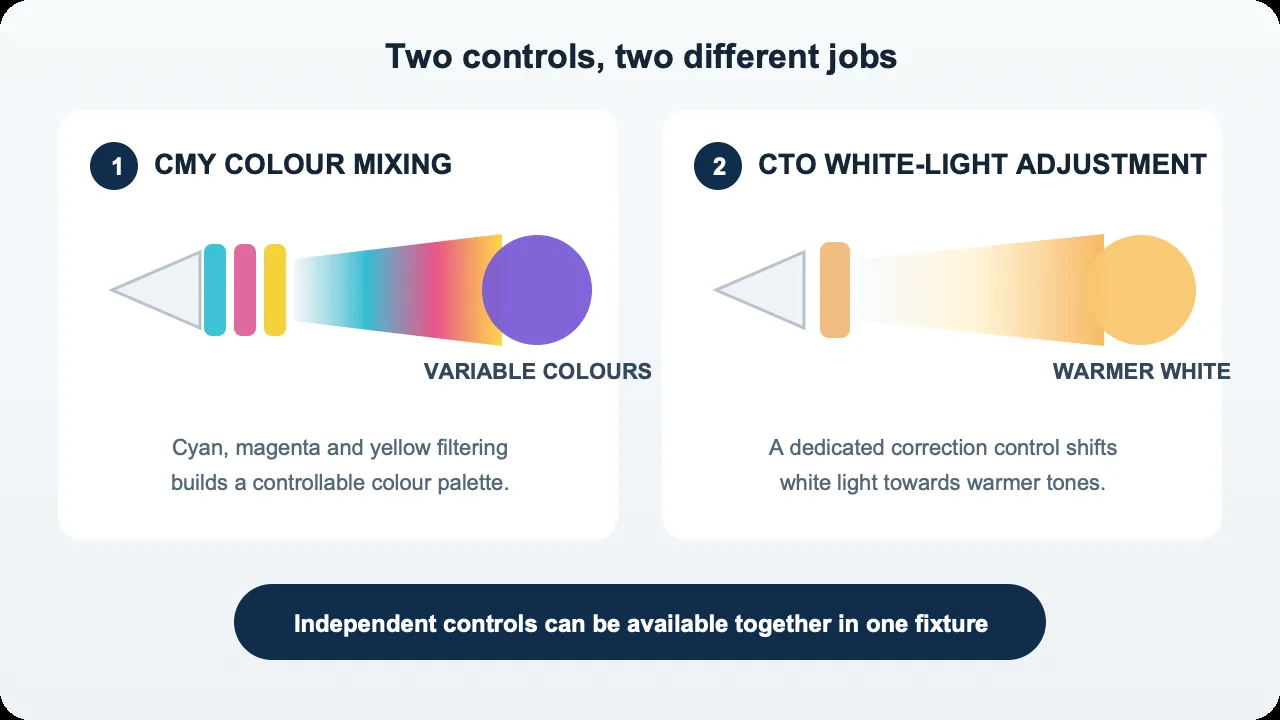
CMY mixes colours; CTO shifts white light towards a warmer colour temperature. In a typical moving head with a white light source, they perform different jobs and can work together. A fixture may need CMY for changing event colours and CTO for a warm white scene in the same show. This guide helps buyers compare the controls, supporting documents and sample performance needed for their project, including when to shortlist a moving head with CMY and CTO.
CMY and CTO Do Different Jobs
Typical CMY colour mixing uses cyan, magenta and yellow filters in the path of a white light source. Each removes parts of the spectrum. Varying their insertion creates different colours through subtractive mixing. This describes a common optical system, not every LED moving head: fixtures with coloured emitters can produce colour differently. Rosco explains this subtractive colour-mixing principle.
CTO means colour temperature orange. CTO colour temperature correction makes white light warmer, with a lower correlated colour temperature, or CCT. Rosco’s correction-filter guidance distinguishes this warming function from separate green correction.
Check the implementation. A fixed CTO filter provides one correction when fully inserted. Stepped correction offers distinct settings, such as separate filter strengths. Continuously variable CTO lets you adjust correction across a range. A CTO label alone does not identify which system is fitted. The achievable CCT, control behaviour and combinations with other effects depend on the model and version.
| Compare | CMY | CTO |
|---|---|---|
| Main job | Create a variable colour palette | Shift white light towards warmer white |
| What it controls | Cyan, magenta and yellow filtering | Amount or selected step of warming correction |
| Useful tasks | Coloured looks, pale tints and colour transitions | Warm scenes and adjustment alongside other white sources |
| Buyer checks | Usable colours, transition quality and consistency | Fixed, stepped or variable operation; documented CCT range and DMX control |
For fixtures combining beam, spot and wash duties, start with the AOLAIT Hybrid moving head range, then check each model’s colour system against your cue list.
When Does CMY Matter for Your Project?
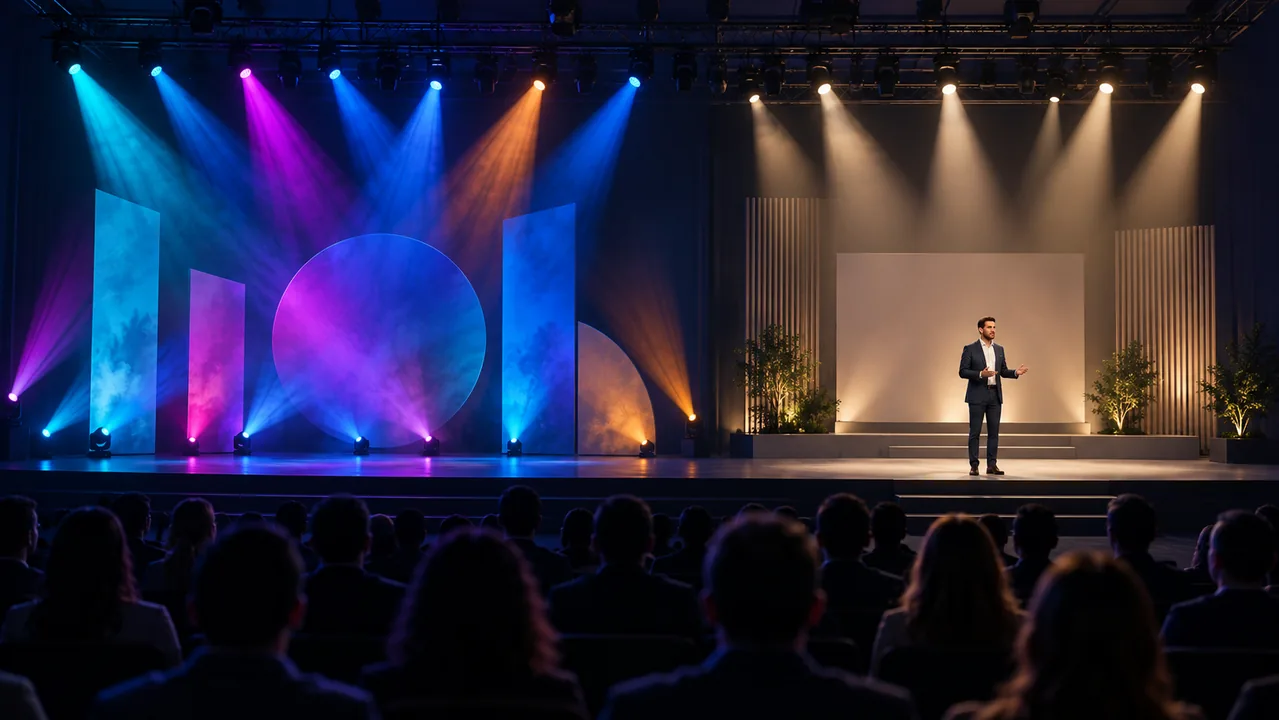
CMY is useful when an event changes between brand palettes, a rental fixture serves varied shows, or a theatre cue needs a gradual move between shades. It gives the programmer control beyond a fixed set of filters. Test the actual colours and transitions you expect to use.
A fixed colour wheel may be sufficient for repeatable, defined looks. Its selected filters can provide useful colours, but moving between positions can reveal intermediate colours or split-colour effects. CMY offers a different way to build transitions; it does not make every transition smooth automatically. Mechanics, control resolution and programming still matter.
CMY also cannot guarantee an exact brand colour. The source spectrum, filters, projection surface and ambient light affect the result. A screen reference or printed swatch is a starting point, not a guaranteed match. Agree the viewing conditions and acceptable appearance with the client. For a multi-unit order, compare several samples using the same cue: identical DMX values do not prove identical colour.
When Does CTO Matter?
CTO becomes relevant when the same rig must illuminate people or scenery in warm white, or work alongside existing white-light fixtures. Decide which white looks the project needs, whether changes happen during a cue, and whether discrete settings would suffice. Then request evidence for those settings.
Warming white light and improving colour rendering are different outcomes. CTO is not a high-CRI guarantee. CRI describes colour rendering relative to a reference; it is not a measure of how warm the light looks. A filter changes the transmitted spectrum, so request rendering data at the intended setting rather than assuming the unfiltered specification applies. ETC explains the different roles of colour-rendering and spectral metrics.
Two lights at the same nominal CCT can still differ in tint, spectral distribution and camera appearance. ETC’s CCT guidance illustrates why equal Kelvin values can look different side by side. CTO alone cannot promise a match with another brand, attractive skin tones or freedom from flicker. Test the existing fixture and intended camera together with the sample.
Do You Need CMY, CTO, or Both?
Use the project brief to set priorities. These are comparison routes, not rules that assign a particular model to each type of venue.
| Project use | Prioritise in the comparison | Still verify on site |
|---|---|---|
| Events mainly using coloured effects | CMY flexibility versus a wheel containing the required colours | Actual palette, transition paths and output in saturated colours |
| Coloured effects plus warm white scenes | CMY and the required fixed, stepped or variable CTO implementation | Warm white appearance, remaining output and transitions between cues |
| People, cameras or demanding white-light matching | Suitable source quality, correction controls and documented rendering performance | Skin, costumes, tint, camera behaviour and side-by-side matching |
| Limited budget with a clearly defined cue list | The simplest colour system that covers the required looks | Every essential cue, acceptable compromises and consistency across units |
If the brief only needs one warm scene, compare whether a fixed correction meets it. If white-light changes are part of the performance, evaluate variable CTO control. Neither decision removes the need to test colour rendering.
What Else Should Buyers Compare?
Output at the working setting. Request photometric evidence with the colour or CTO setting identified. Filtering changes transmitted output; there is no universal loss percentage. Compare under the same distance, beam size, dimmer and operating conditions. Source wattage alone cannot rank useful brightness.
Throw, zoom and usable field. Specify the actual projection distance and target size. Check that the required colour remains useful across that area, including the edges. A bright centre reading does not describe full-field coverage.
Uniformity and fades. Look for colour gradients, unwanted tint and uneven white across the beam. Run slow fades and low-level cues to reveal jumps, colour shifts or inconsistent fade-to-black behaviour.
Camera and fleet control. Evaluate the intended camera settings and check several units together. Confirm the DMX mode, console personality and control resolution for colour, CTO and dimming. Fine pan/tilt control does not establish fine colour control. Repeat saved cues to check whether the fixtures return to the same result.
A Practical Sample-Test Checklist
Record sample identity, hardware/firmware version, DMX mode and console profile before testing. Let fixtures stabilise as instructed by their manufacturer. Use a repeatable projection surface and mark fixture, target and meter positions. Agree acceptance limits with the project team before the order.
| Test | Keep consistent | Observe and record |
|---|---|---|
| Native white, correction open | Distance, measured beam size, dimmer, operating mode and ambient light | Centre/edge appearance, readings with instrument details, CCT and tint if measured |
| Required warm white | Same geometry and dimmer; record each CTO setting | Whether the target white is reached, output at that setting and field uniformity |
| Pale colours | Same target, cue values and viewing conditions | Visible tint differences, gradients and the client’s agreed reference |
| Saturated colours | Same target size, distance and operating mode | Usable illumination, colour appearance and consistency across the field |
| Slow colour changes | Same cue endpoints, fade duration and console settings | Steps, unexpected intermediate colours and repeatability in both directions |
| Low brightness and blackout | Same dimming curve, colour settings and fade timing | First visible light, jumps, colour drift and fade-to-black behaviour |
| Several units together | Same mode, firmware where applicable, geometry and cues | Colour/white differences and repeatability after recalling a cue |
| Camera recording | Same camera/lens, frame rate, shutter speed or angle, ISO/gain, exposure, white balance and processing | Banding or flicker, skin/costume appearance and differences between fixtures; log any PWM setting |
Use the production camera for recording checks. A phone video can document a visible problem, but automatic white balance, exposure and processing make it unsuitable as precise colour evidence. Save instrument readings separately from photographs and video, with their test conditions.
Comparing AOLAIT Models
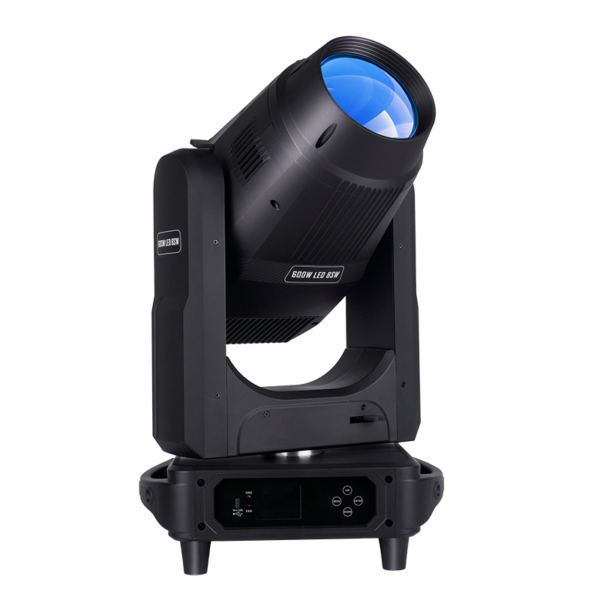
These two BSW examples show how published product pages and manuals describe their colour systems. Confirm that the documents apply to the version being quoted.
| Model | CMY listed in published documents | CTO listed in published documents | Product information |
|---|---|---|---|
| ALE400RX — 400W LED BSW | Product page: linear CMY | Linked manual: linear CTO | Product page |
| ALE600BSW — 600W LED BSW | Product page and linked manual: CMY | Product page and linked manual: CTO | Product page |
Confirm the colour-system configuration and matching DMX chart for the version being quoted. Request CTO range data if your project requires specific white-light settings.
For ALE400RX, obtain the DMX chart issued for the quoted version before patching or approving a sample. Manuals: ALE400RX (DOCX) · ALE600BSW (PDF).
ALE600BSW is a BSW model, distinct from the AL600MLS 600W Profile. If the brief also requires shaped acting areas or scenic masking, review Profile and Framing moving heads. Framing controls the shape of the illuminated area; it is a separate selection dimension from CMY and CTO.
Frequently Asked Questions
Is CTO the same as CMY?
No. CMY mixes colours through cyan, magenta and yellow filtering. CTO provides warming correction for white light. A fixture can use both.
Does a CMY moving head always include CTO?
No. Check the exact product version and DMX chart. A CMY description alone does not confirm a separate CTO function.
Does CTO improve CRI?
Not automatically. Request rendering measurements at the intended CTO setting. A warmer appearance does not establish higher CRI.
Can two moving heads match at the same colour temperature?
They may look similar, but equal CCT does not guarantee matching tint, spectrum or camera response. Compare samples together under project conditions.
What should I send when requesting a recommendation?
Send the application, quantity, delivery country, throw distance and target area. Explain any warm white, camera or existing-fixture matching needs. A model choice is optional.
Get a Model Recommendation and Quote
Compare the Hybrid moving head options and send your project requirements: application, quantity, delivery country and throw distance, plus whether you need warm white, camera use or matching with existing fixtures. Include camera settings or existing model details when available. You do not need to have chosen a model. AOLAIT can help compare suitable models and prepare a quotation based on the confirmed requirements.