
 English
  Español
  Français
  Português
  Deutsch
  日本語
日本語  한국어
한국어  Türkçe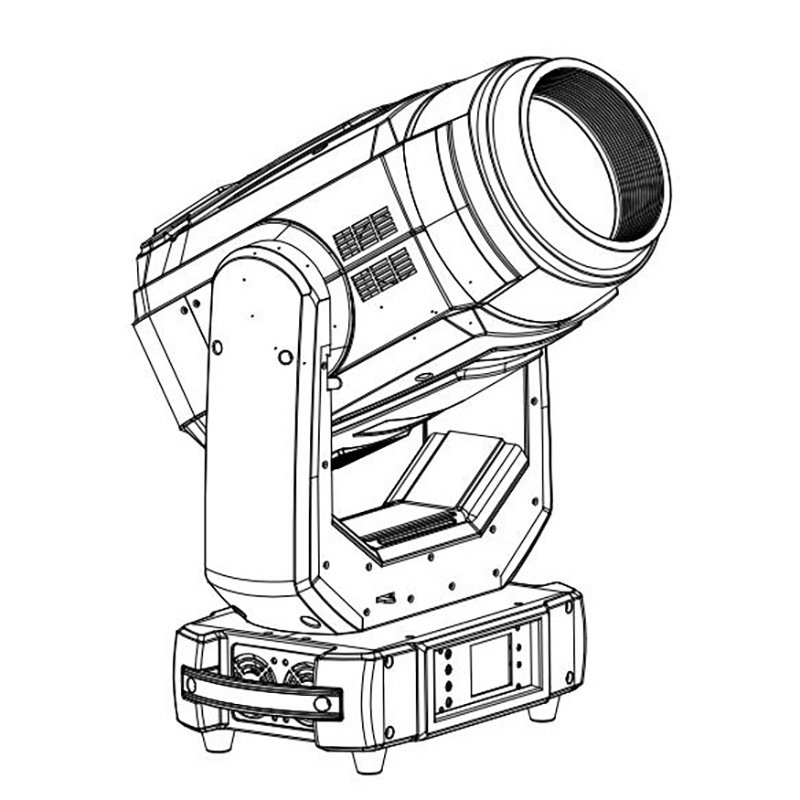
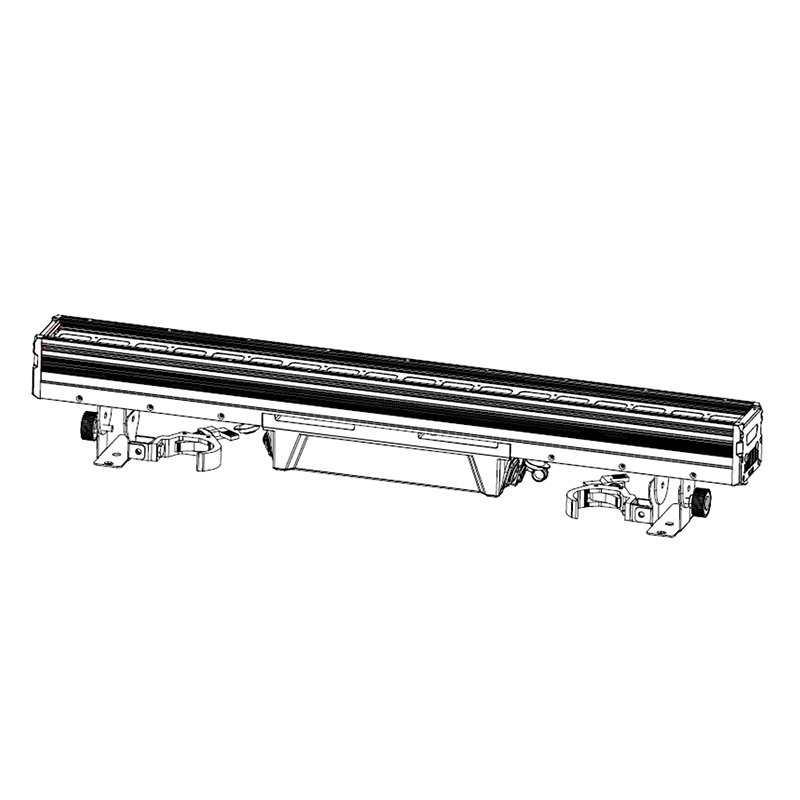
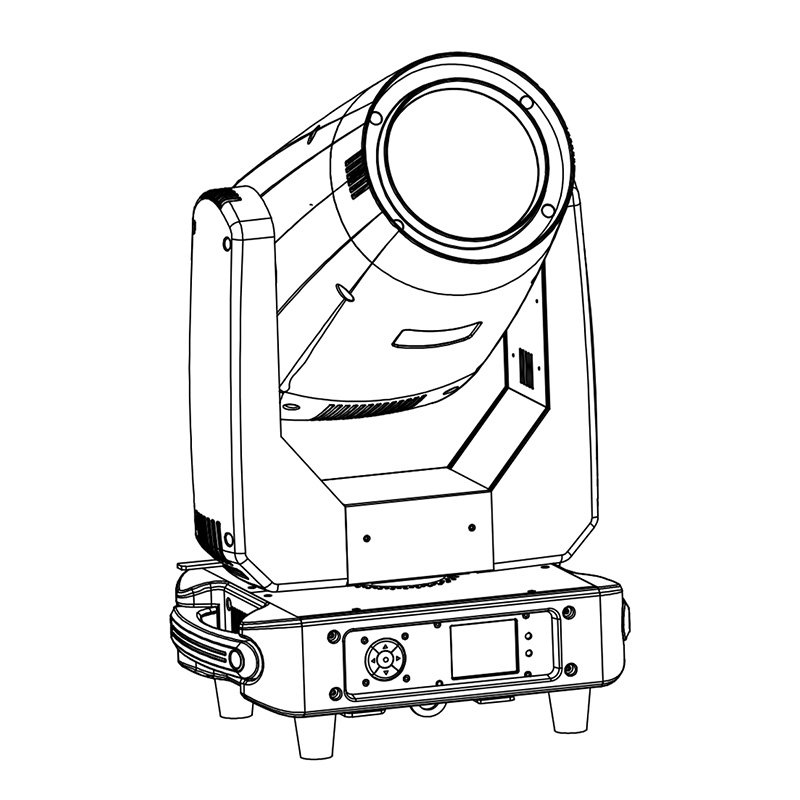
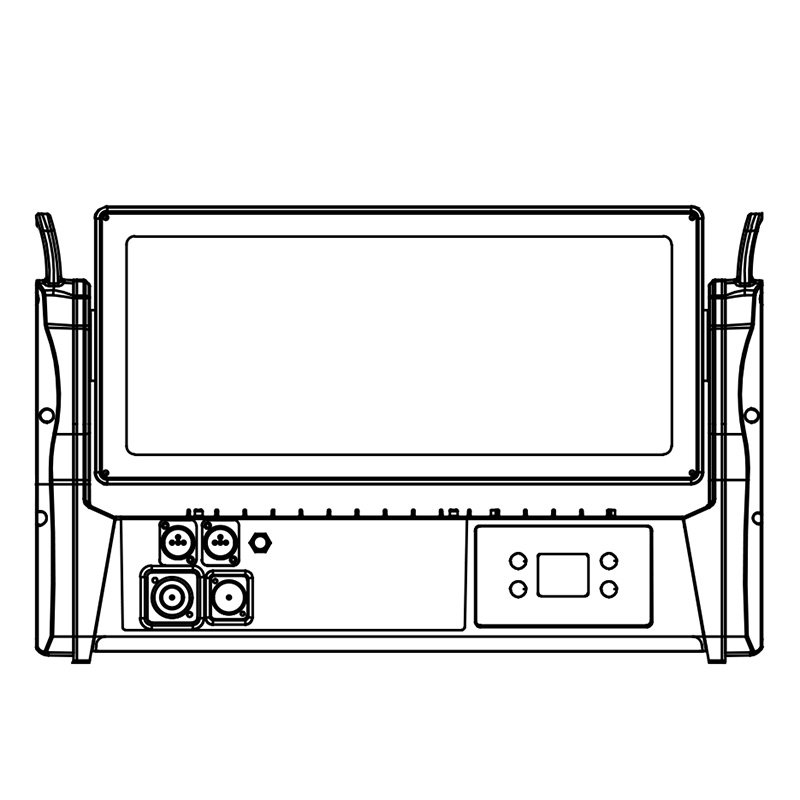
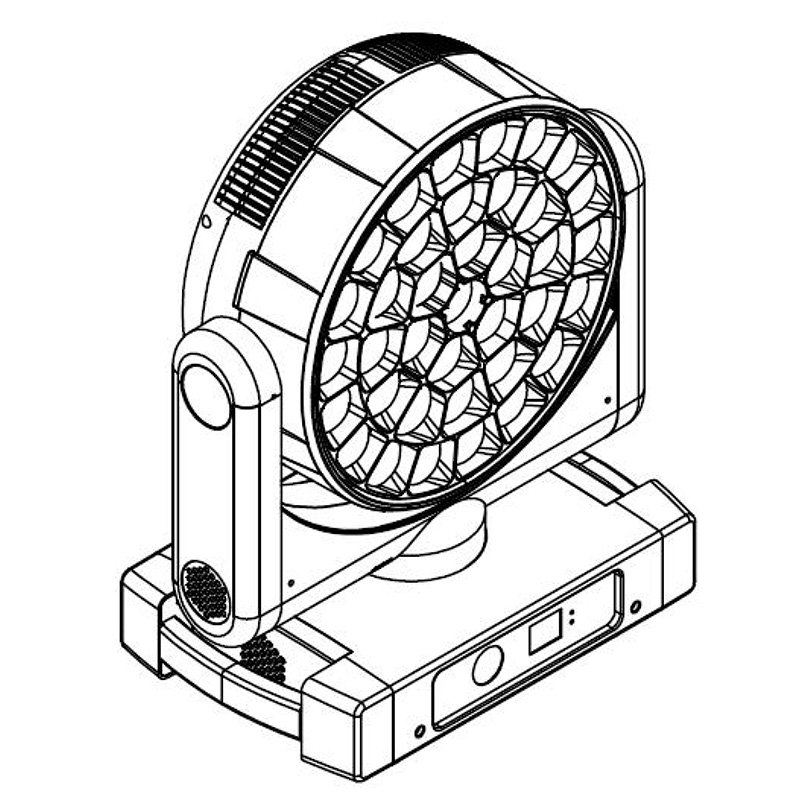
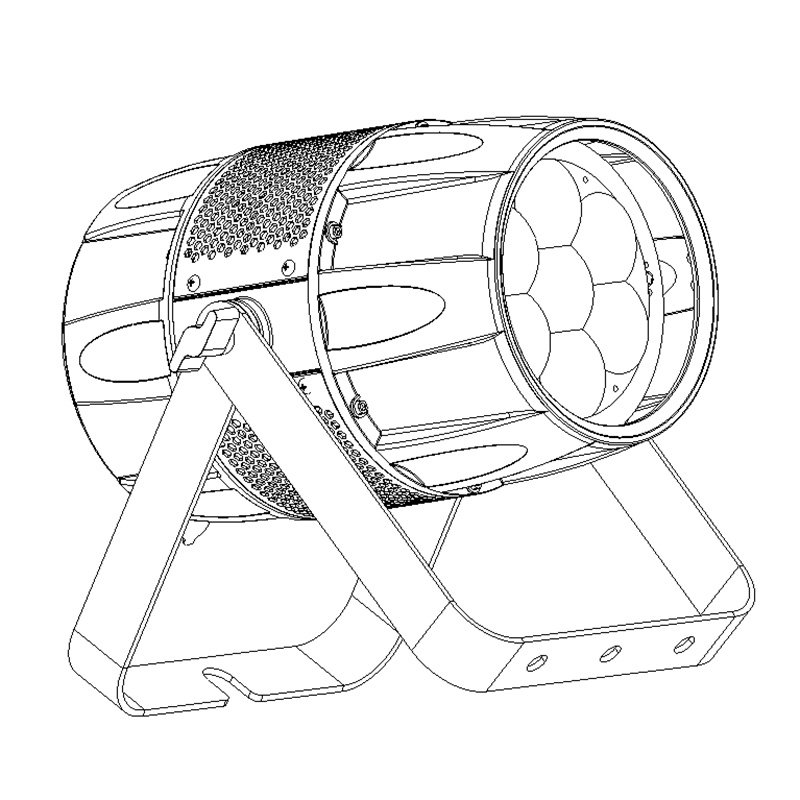
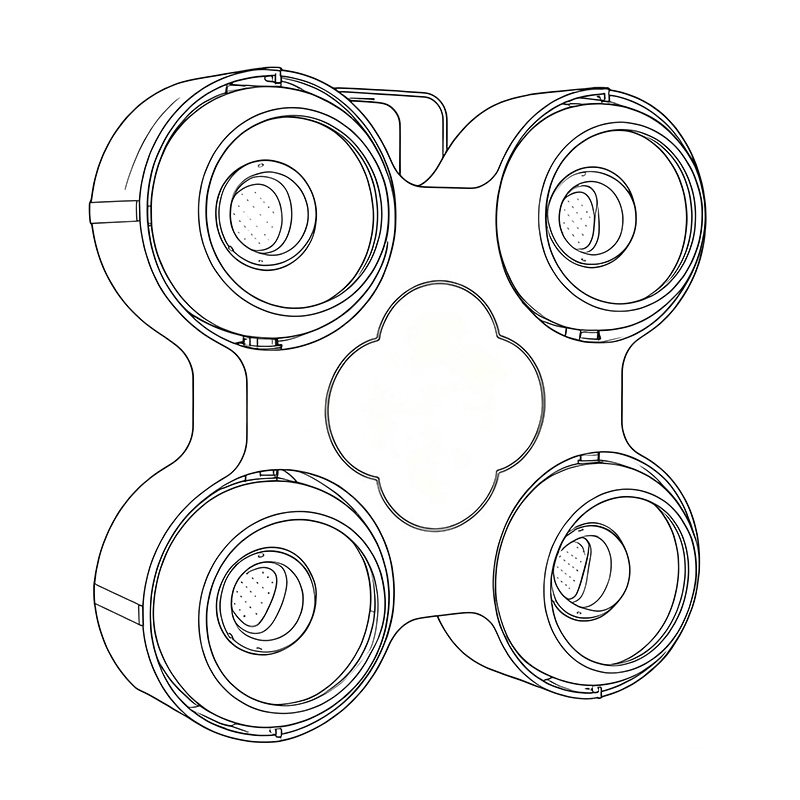
IP65 moving head lights combine a dust-tight enclosure with protection against water jets under defined test conditions. For an outdoor project, select the optical effect and confirm the model’s permitted installation and operating conditions. For narrow aerial shafts and prism cues, choose a dedicated beam or a suitable hybrid beam mode. For broad colour coverage, choose a wash.
Compare an outdoor beam configuration, explore outdoor wash and hybrid options, or discuss your project with AOLAIT.
Choose a fixture with the protection, optics, control and service access your project requires. Agree the inspection and acceptance requirements before ordering.
Table of Contents
- What IP65 means
- When IP65 is worth specifying
- Which moving-head type to choose
- Outdoor model comparison and ALP420B specifications
- Rental selection table
- Technical details to confirm
- Sample testing and QC
- Installation and operation
- Maintenance and spares
- Complete rental purchase scope
- RFQ checklist
- Frequently asked questions
- Request a rental package quote
What Does IP65 Mean on a Moving Head Light?
The IP code classifies the protection provided by an electrical enclosure. IEC 60529 is the published IEC standard covering these degrees of protection. In “IP65,” the first digit indicates a dust-tight enclosure, while the second indicates protection against water jets under defined test conditions.
That definition is useful, but buyers should keep three limits in mind.
First, an IP code describes enclosure protection; it does not certify the complete event site. Power distribution, data connections, rigging, wind, drainage and operating procedures still need separate controls.
Second, IP65 is not an immersion rating. A fixture should not be placed in standing water or treated as suitable for flooding. Exposure limits and mounting orientation must follow the model manual.
Third, protection depends on the product being complete and correctly assembled. Open covers, damaged seals, loose glands, incompatible connectors or incorrect service work can compromise the enclosure.
For procurement, ask for evidence tied to the exact model number and configuration. A generic IP65 statement for a product family is weaker than a report that identifies the fixture, revision and test basis.
When Should a Buyer Specify an IP65 Moving Head?
IP65 is most valuable when a fixture will face predictable dust, moisture or repeated outdoor handling. Typical cases include:
- outdoor concerts and festivals;
- touring packages that move between indoor and outdoor venues;
- rental fleets that need fewer weather-specific substitutions;
- stadium, resort, theme-park and architectural projects;
- temporary stages where setup continues in dusty or humid conditions;
- environments where the manufacturer permits spray cleaning for the exact model and connection configuration.
It may be unnecessary for a controlled indoor theatre, studio or ballroom if an indoor model provides better weight, noise, cost or service access. Do not pay for an IP rating without checking the actual exposure and ownership cost.
For permanent outdoor installation, ask a wider set of questions. UV exposure, salt or chemical atmosphere, temperature range, condensation, drainage, mounting position and long-term corrosion can matter as much as the IP code. A temporary-event fixture is not automatically approved for an unattended permanent installation.
Choose the Fixture Type Before Comparing Model Numbers
The enclosure rating does not determine the optical job. Start with the effect and application, then compare IP-rated models within the correct fixture class.
| Fixture type | Main job | Buyer checks |
|---|---|---|
| Beam | Narrow aerial effects and long visual reach | Beam angle, source type, focus, frost, prism, output evidence and haze conditions |
| Spot | Gobo projection and defined mid-width effects | Zoom, focus, gobo system, color system, animation and edge quality |
| Wash | Even color coverage and soft edges | Zoom range, color mixing, field uniformity, pixel control and low-end dimming |
| Profile | Precise framing and spill control | Framing-blade movement, module rotation, focus, zoom, CRI/TLCI evidence and noise |
| Hybrid | Multiple effects from one fixture | Whether every mode meets the project need, total weight, service complexity and compromise between modes |
If the team is still comparing wash and spot functions, review AOLAIT’s guide to moving head wash vs spot differences.
Model specifications and availability must be confirmed from the latest datasheet and quotation. Ask for model-specific IP documentation for any fixture being evaluated.
Choosing a Beam for an Outdoor Project
Start with the beam effect and then specify the enclosure protection for the site. A dedicated beam suits narrow aerial shafts, moving patterns and prism cues. A hybrid can suit a rig that also needs spot or wash looks, provided its beam mode meets the required distance and effect size. An IP65 wash fixture is a different optical choice for broad colour coverage.
Send the nearest and farthest working distances, mounting height, ambient light, audience positions and haze conditions. Ask for output measured at the same distance, angle, colour and effect setting when comparing fixtures. An enclosure rating does not determine visible throw or brightness.
Looking for an outdoor beam fixture? Compare the following models by their IP rating, beam characteristics and installation requirements. The wash option is included for projects that need broad colour coverage.
| Fixture | Type | IP Rating | Optical task | Installation requirements to confirm |
|---|---|---|---|---|
| ALP420B | Beam | IP66 | Narrow lamp beams, electronic focus and rotating prism effects | Mounting orientation, connector configuration, operating limits and lamp service access |
| ALP600BSW | Hybrid | IP66 | LED beam, spot and wash with CMY + CTO colour mixing | Required beam/zoom setting, power and data connections, mounting and maintenance access |
| 19×40W LED Wash Moving Head | Wash | IP65 | Broad colour coverage and multi-emitter effects; a different optical role from a dedicated beam | Coverage area, mounting clearance, connection protection and site exposure |
These ratings apply to the individual fixtures. Match the exact model and its installation instructions to your site; an IP rating alone does not establish suitability for every weather condition or permanent outdoor installation.
An outdoor beam option: ALP420B, rated IP66
The ALP420B 420W outdoor beam moving head uses a discharge lamp, electronic focus and rotating prisms for narrow aerial effects. Its rating is IP66. Keep that exact rating on the quotation and check the proposed configuration against the project’s required protection and operating conditions.
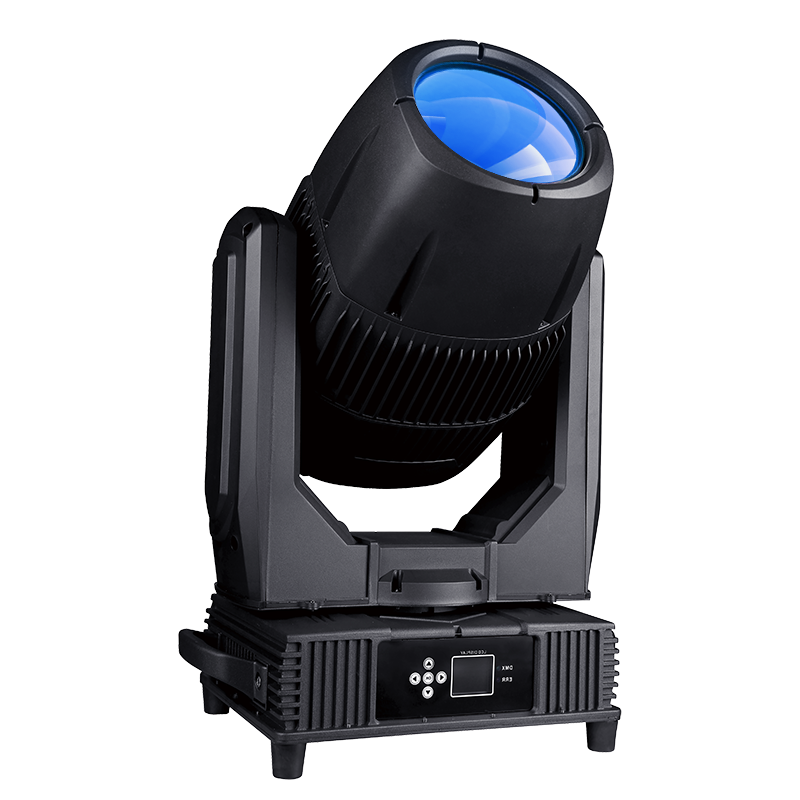
| Item | ALP420B |
|---|---|
| Optical role | Dedicated beam |
| Light source / total power | 420W discharge lamp / 800W |
| Enclosure rating | IP66 |
| Beam angle / focus | 1.9°–3° / electronic focus |
| Effects | 8-facet and 8+16-facet rotating prisms; frost; strobe |
| Control | DMX512 |
| Movement | 540° pan / 270° tilt |
| Net weight / dimensions | 25 kg / 430 × 260 × 630 mm |
Confirm the channel mode, connector configuration, mounting orientation, operating temperature and maintenance procedure for the ordered unit. Plan the circuit and rig around the complete fixture, including cables and mounting hardware.
For distance, beam width and visibility, use the waterproof beam long-throw selection guide. Describe the effect and exposure in your enquiry so the proposed model can be assessed against both requirements.
Rental Selection Table: Turn the Job into a Comparable Configuration
Use the rows below together to build one rental brief. Give the actual fixture-to-target distance for each job; short and long throws are relative to your venues. Compare output at the same distance and beam angle, rather than choosing by source wattage.
| Rental requirement | Fixture types to compare | Configuration to put in the RFQ |
|---|---|---|
| Longer throws; aerial beams and prism effects | IP65 beam or a hybrid with a suitable beam mode | Nearest and farthest working distances in metres; beam angle, focus, prism options and output at the same distance and angle. State ambient light and haze conditions. |
| Shorter throws; broad stage or dance-floor color | IP65 wash or zoom wash | Distance and coverage width; useful zoom range, field uniformity, color mixing and low-level dimming. Add pixel control only if the show needs it. |
| Gobos, textured looks or controlled light on performers | IP65 spot for projection; profile where framing is needed | Projection distance and image size; focus, zoom, gobos and color options. For a profile, specify framing needs; add camera and noise requirements where relevant. |
| Frequent loading; stairs, small crews or limited vehicle space | Compare handling within the required fixture class; consider a hybrid if each mode meets the brief | Fixture weight and dimensions, handles and transport locks; fixtures per case, loaded case weight, case dimensions and wheels. Set limits for your crew and vehicle. |
| One fleet for outdoor shows and indoor venues | IP65 models in the required beam, spot, wash, profile or hybrid class | Outdoor exposure plus indoor noise, dimming and zoom needs. Compare output in the intended fan mode, DMX modes and compatibility with existing cables and console profiles. |
Ask each supplier to return the proposed model, quantity and selected options against the same brief. List any requirement the proposed configuration does not meet.
Technical Specifications to Check Before Ordering
Optical performance
Do not compare fixtures only by source wattage. Request photometric data that is relevant to the planned throw and beam angle. For wash fixtures, look at field uniformity and useful zoom coverage. For profile or spot fixtures, assess edge quality, focus across the zoom range and the behavior of gobos or framing shutters.
For camera work, request CRI, TLCI, color-temperature and flicker evidence under the modes you will use. A single marketing number does not show performance at every color, dimming level or frame rate.
Power and data connections
Ask what power inlet/outlet and DMX/RDM connections are fitted, whether caps remain attached, and what cables or terminators preserve the intended protection. The fixture body can be rated while a poorly matched connection remains vulnerable.
Confirm voltage and frequency, maximum input power, power-factor information where relevant, inrush behavior, allowed daisy-chain load and connector current limits. Power planning must be performed by a qualified person using the actual model documentation.
For control fundamentals and test-channel planning, use the DMX512 engineer guide.
Thermal design and operating environment
A sealed fixture still needs to move heat away from the light engine and electronics. Request the specified ambient operating range, thermal-protection behavior and any restrictions on sunlight, orientation or spacing.
Noise also matters. A rental company may accept active cooling for a festival, while a theatre or broadcast studio may need documented noise modes. Verify whether reduced-noise modes change output.
Mechanical and service design
Check fixture weight, dimensions, handles, clamp points, safety attachment, yoke clearance and locking positions. Protection against moisture does not replace safe suspension. Follow the manufacturer manual and local rules, and review the guide to safe moving-head rigging and secondary suspension.
Ask how routine service affects seals. If a cover is opened, the maintenance procedure should define gasket inspection, cleaning, torque or fastening sequence, and any replacement parts required to restore protection.
How to Evaluate a Sample Before a Bulk Order
A sample is not only for checking brightness. Use it to confirm the complete buyer requirement and to create an acceptance reference for production.
1. Verify identity and documents
- Match the model label, serial format and electrical rating to the quotation.
- Check that any IP report or declaration identifies the model or a clearly justified construction family.
- Confirm the manual, DMX chart, packing list and accessories.
- Record firmware version and channel mode used for the test.
2. Run a functional check
Test pan, tilt, dimming and the focus, zoom, colour and effect functions available on the selected model through the intended DMX mode. Listen for abnormal mechanical noise and check reset behaviour, display access and signal-loss settings.
3. Check optics for the actual application
Test at the planned distance. Photograph beam, wash field or framing performance with fixed camera settings so samples can be compared. For camera projects, run a flicker check at the frame rates and shutter settings that matter to the production.
4. Inspect enclosure and connections
Look for consistent gasket seating, closed service covers, cable-gland condition, protective caps, vents or pressure-management components, and signs of trapped moisture. Do not conduct an improvised water test that conflicts with the manual or creates an electrical hazard.
5. Agree the production acceptance record
Define which checks will be repeated during production and before shipment. The method, sample size, acceptance criteria and evidence format should be written into the purchase agreement.
Ask which sample-test records, ingress-test evidence, aging-test information and batch-traceability records are available for the quoted model.
Incoming QC and Pre-Shipment Checks
A distributor or rental company should ask for a short, auditable inspection package rather than a folder of unrelated photos.
| Check | Evidence to request | Reason |
|---|---|---|
| Model and quantity | Packing list, labels and serial list | Prevents mix-ups between revisions or voltage versions |
| Appearance and assembly | Sampled inspection photos | Finds damage, loose parts and finish problems |
| Function | Test record for movement, optics, control and display | Confirms core operation before packing |
| Electrical safety | Applicable test record for the agreed market and model | Supports importer and buyer due diligence |
| Protection evidence | Model-linked report/declaration and seal inspection | Avoids relying on a generic IP65 badge |
| Burn-in or aging | Agreed duration and exception log | Shows how early failures were screened; duration is buyer/supplier specific |
| Firmware and DMX | Version record and final DMX chart | Helps fleet consistency and commissioning |
| Packing | Photos of fixture support, accessories and carton/flight case | Reduces transit and receiving disputes |
Do not assume every model or order follows the same test plan. Put the required records in the RFQ and purchase order.
Installation and Outdoor Operation
Before energizing the rig, inspect the fixture, cables, caps and seals. Keep connections away from standing water and route cables so water does not run into a connector. Provide drainage and avoid blocking thermal clearances.
Use qualified personnel for power distribution and rigging. Confirm clamps, secondary suspension, load ratings and local requirements. An IP rating does not address wind loading, structure capacity or safe access.
During operation, follow the stated temperature and exposure limits. Stop and inspect a fixture after impact, damaged cabling, a loose cover or suspected water entry. Never open an energized or wet fixture.
Maintenance, Seals and Spare Parts
Outdoor reliability depends on what happens after the first show. Build these items into the maintenance plan:
- clean lenses and external surfaces using the approved method; use spray or water-jet cleaning only when the manufacturer’s cleaning instructions for the exact model explicitly allow it;
- inspect seals, covers, glands, caps and fasteners;
- check fans, vents or pressure-management parts if fitted;
- examine clamps, safety points and yoke hardware;
- keep firmware and DMX profiles consistent across the fleet;
- record water exposure, impacts and service history;
- replace damaged seals with the correct part and procedure.
For broader service routines, see daily moving-head maintenance.
Ask the supplier for a recommended spare-parts list covering the ownership period. Common categories may include seals, fans, power supplies, display/control boards, motors, belts, lenses or cables, but the correct list depends on the model. Confirm model-specific spares, lead times, warranty handling and remote diagnostic support in writing.
What Should the Complete Rental Purchase Include?
Use this table as a quotation scope, not a list of standard inclusions. Ask for a quantity and price for every requested item, marked included, quoted separately, not supplied or to be confirmed. Do not assume a fixture price covers the complete package.
| Purchase item | Specify for comparison | Confirm in the quotation |
|---|---|---|
| Fixtures | Exact model, quantity, voltage, connector version and selected optical/control options. | Unit price and fixture subtotal; list the accessories included with each fixture. |
| Flight cases or cartons | Packing type, fixtures per case, number of cases, internal supports, wheels, packed dimensions and gross weight. | Confirm standard packing. Quote flight cases or packing upgrades separately unless explicitly included. |
| Rigging accessories | Mounting brackets, compatible clamps and safety cables; quantities per fixture and suitability for the intended installation. | Confirm each item individually. A supplied bracket does not establish that clamps or safety cables are included. |
| Power and data cables | Connector types, cable lengths, quantities, link cables, adapters and protective caps needed for the planned setup. | Distinguish supplied leads from extra cables. Confirm connection compatibility and the required outdoor protection. |
| Spare parts | Model-specific parts and quantities for the fleet; confirm compatibility and availability. | List the spare-parts kit and price separately. Confirm whether any initial spares are included. |
| Transport and delivery | Shipping method, destination country plus city/postcode or port, packing totals and the quoted delivery term. | State whether freight, insurance, clearance, duties/taxes and final delivery are included, excluded or still to be confirmed. |
Compare package totals only after the quantities, case arrangement, accessories and shipping scope match. Request any unresolved cost as a separate line before placing the order.
RFQ Checklist for an IP65 Moving Head Project
Send enough information for the supplier to recommend and quote the correct model:
- Fixture function: beam, spot, wash, profile or hybrid.
- Application: festival, touring rental, stadium, architectural project, broadcast or another use.
- Exposure: temporary rain, dust, humidity, salt atmosphere, cleaning practice or permanent outdoor installation.
- Quantity and target delivery date.
- Delivery country, voltage and plug/connector requirements.
- Throw distance, beam/zoom range and effect requirements.
- Color, CRI/TLCI, flicker and noise requirements where relevant.
- Control protocol, channel mode, RDM or networking needs.
- Required compliance documents and model-specific IP evidence.
- Sample approval, QC record and pre-shipment inspection requirements.
- Carton or flight-case packing, labeling and private-label needs.
- Spare parts, warranty, training and after-sales expectations.
Frequently Asked Questions
Does an IP65 wash moving head produce the same effect as a beam?
No. Wash fixtures primarily provide broad colour coverage. For narrow aerial shafts and prism effects, compare dedicated beams or hybrid beam modes at your working distance. The enclosure rating does not define the optical effect.
Which protection rating should I specify for ALP420B?
Specify ALP420B with its IP66 rating. Ask for documentation tied to the quoted model and configuration, and confirm its suitability for your project requirements, connectors and mounting conditions.
Can an IP65 moving head remain outdoors permanently?
Not automatically. Check UV exposure, corrosion, condensation, temperature, drainage and service access as well as the enclosure rating. Confirm the model and installation method for the site. IP65 is not an immersion rating, and connections must remain suitable for the exposure.
What should I send for an outdoor beam quotation?
Include quantity, delivery country, nearest and farthest working distances, desired beam or prism effects, ambient light, haze conditions and control requirements. Add mounting position, weather exposure, packing and accessory needs. Request comparable output data, a representative sample test and an itemized configuration.
Request a Model Recommendation and Rental Package Quote
Send AOLAIT the five details below so we can recommend suitable models and quote your requested configuration. You do not need to choose a model first. Copy these lines into your message:
- Use: [rental events or project type; outdoor only or indoor/outdoor use]
- Quantity: [number of fixtures; split by effect if known]
- Delivery country: [country; add city/postcode or port for a freight quote]
- Main effects: [aerial beams/prisms, gobos, broad color coverage or framed light]
- Packing preference: [cartons, flight cases or quote both; preferred fixtures per case if known]
For beam effects, add the nearest and farthest working distances, ambient light and haze conditions. Include handling limits and your required delivery date. Use the RFQ checklist above for further technical details.
Request a model recommendation and an itemized quotation covering fixtures, requested accessories, packing and shipping scope. Confirm the proposed specifications, availability, inclusions and commercial terms in writing.
Request an Outdoor Lighting Quote
Reference
- IEC 60529, Degrees of protection provided by enclosures (IP Code): https://webstore.iec.ch/en/publication/2452