
 English
  Español
  Français
  Português
  Deutsch
  日本語
日本語  한국어
한국어  Türkçe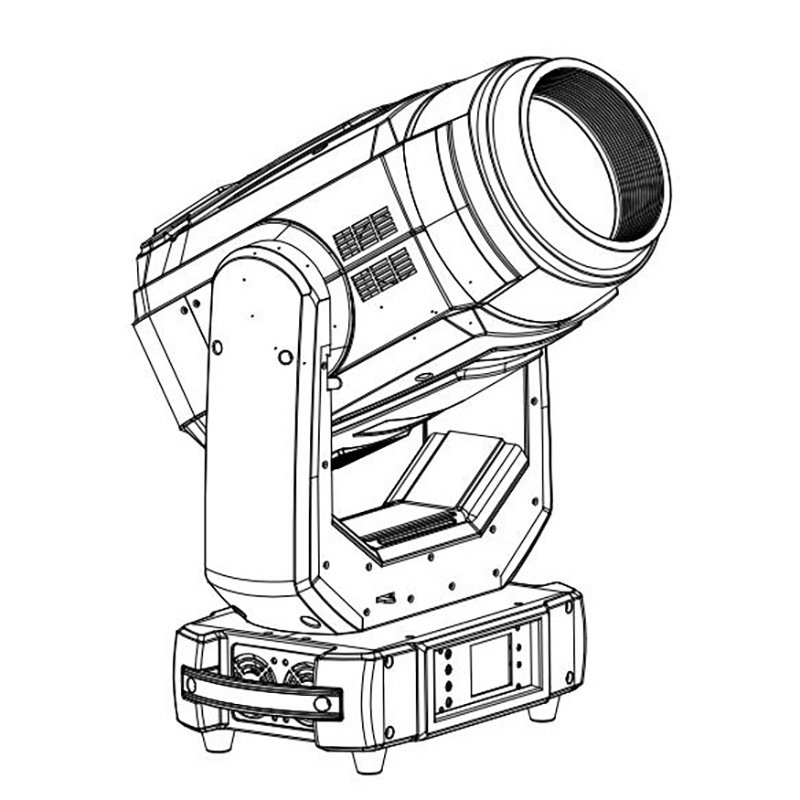
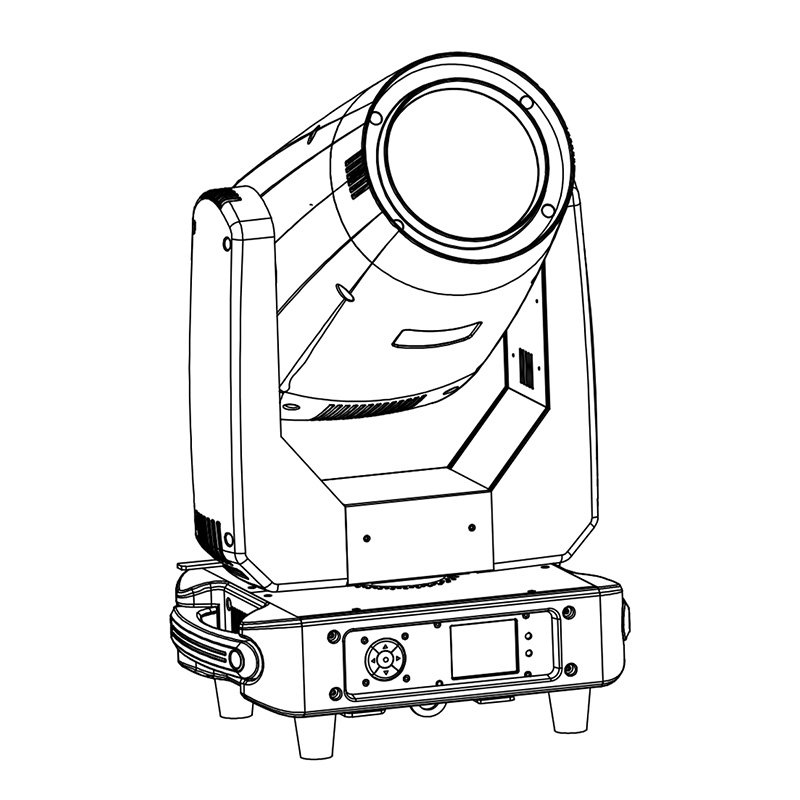
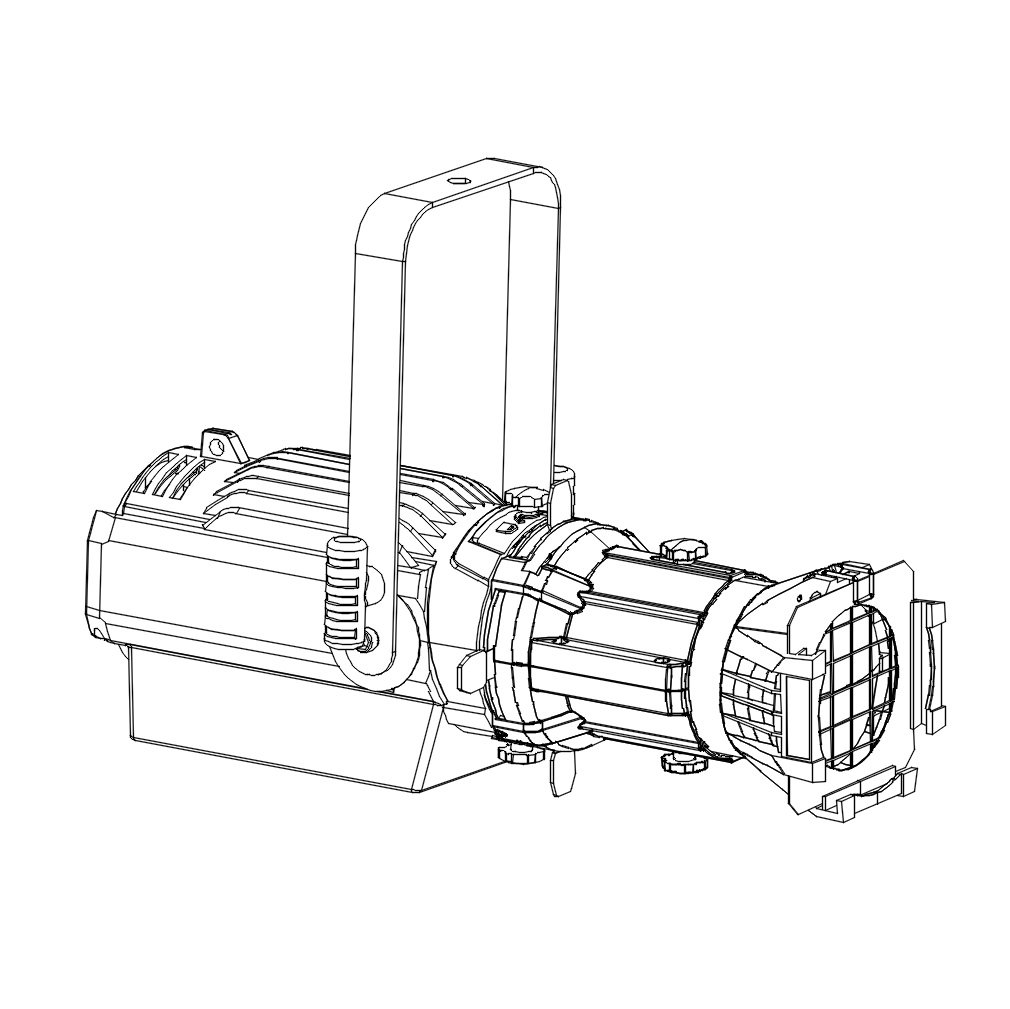
Evaluate framing shutters when a project needs defined lighting boundaries or less direct light spilling onto nearby screens and scenery. A standard beam–spot–wash moving head may be enough for aerial beams, gobo effects and broader coverage without precise edges. The purchasing decision depends on the fixture’s assigned tasks and its optical performance from the planned mounting position. Neither a product name nor its wattage establishes whether it can produce the field your project needs.
What Is the Difference Between BSW and BSWF?
BSW usually means Beam, Spot and Wash. In this article, BSWF means a configuration that adds Framing to those functions. Manufacturers do not use these abbreviations consistently: the letter F alone is not proof of a framing system. Check the actual mechanism and manual.
Likewise, a product called “Profile” does not automatically deliver every BSW mode. Compare its useful beam range, projection and wash performance separately.
| Comparison | Standard BSW without framing | BSWF / hybrid with verified framing |
|---|---|---|
| Main lighting tasks | Aerial effects, patterns and broader colour looks, depending on configuration | Those required effects plus adjustable field cropping, where the optics support them |
| Framing shutters | Not included in this comparison’s standard BSW configuration | Documented controllable blades |
| Control of field boundaries | Zoom, focus and available effects shape the look; no independent blade cuts | Blades crop selected edges within the mechanism’s limits |
| What to verify before ordering | Actual effects, coverage, field quality and control modes | The same checks, plus blade travel, rotation, focus and repeatability |
Framing adds a specific capability. It does not make one fixture better at every task, and standard BSW models do not all share the same feature set.
What Do Framing Shutters Actually Add?
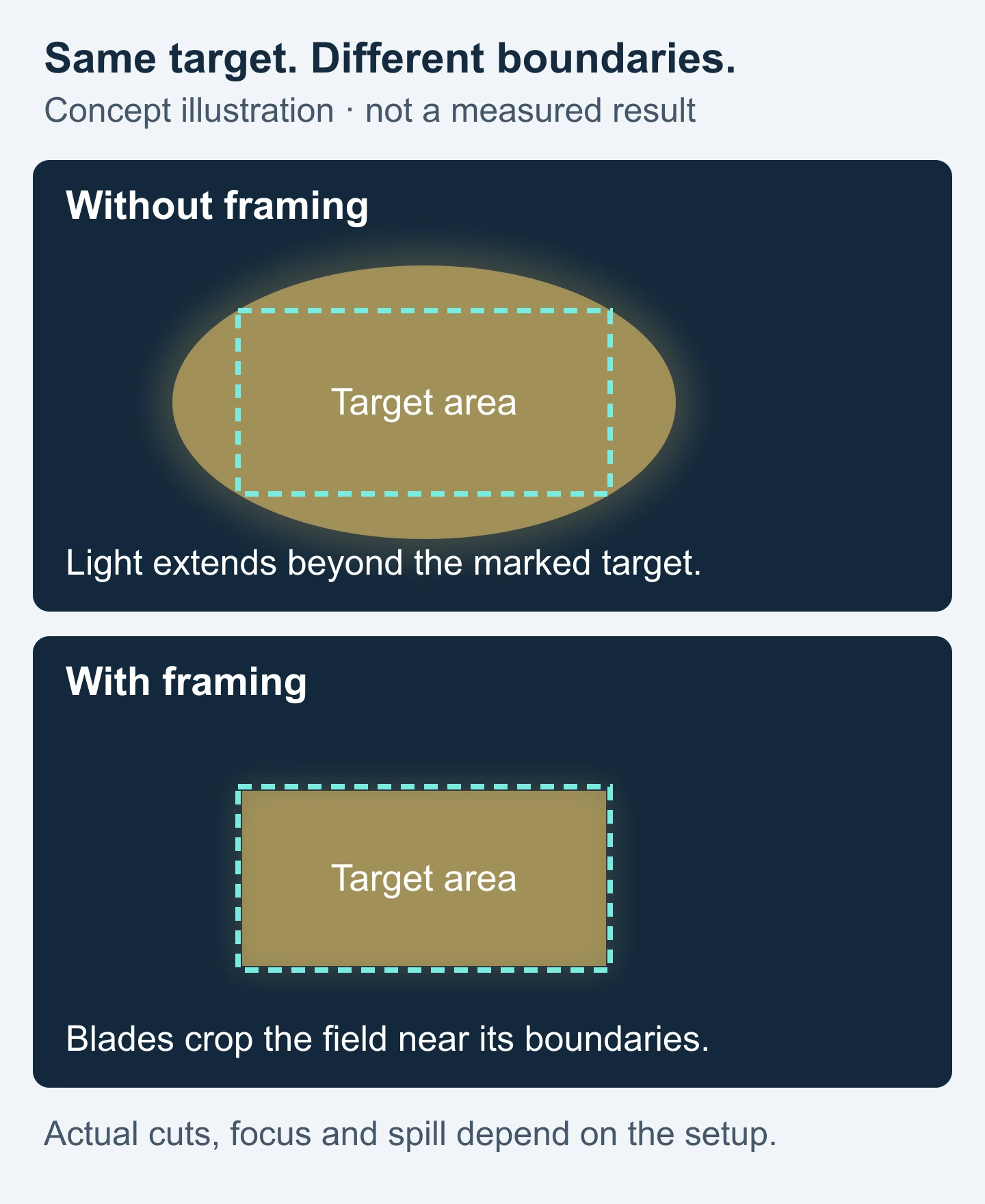
Framing blades enter the optical field to block selected portions of light. Adjusting their positions, and their angles where supported, changes the projected boundary. A rotating module can change the orientation of the combined shape. ETC’s lighting-type guide describes shutters as beam-shaping tools, distinct from iris and pattern projection.
Useful tasks include lighting a lectern or presenter area while limiting direct light on an adjacent screen, containing light on a scenic panel or exhibit, and recalling differently positioned and shaped areas across cues.
The result depends on mounting position, projection angle, zoom, focus and blade mechanics. An oblique throw can make the target difficult to cover and crop simultaneously. Framing cannot promise a perfect rectangle from every angle, eliminate all spill or reflections, or keep every blade edge equally sharp at once. ETC’s framing optics explanation describes why shutter-plane placement affects focus.
These are programmed lighting boundaries. Framing shutters do not automatically track a person moving outside them.
When Is a Standard BSW Moving Head Enough?
Start with the jobs assigned to the fixture. A standard BSW can be sufficient when the brief calls for:
- Aerial beams and prism effects: the main visual interest is in the air, without a shaped area on scenery.
- Gobos and textures: patterns animate a background without needing independent cuts along its edges.
- Broad colour scenes: coverage matters, while a precise rectangular boundary does not.
- Additional effects: existing front lights already handle presenters and screen protection.
Check the actual model’s gobo, prism and colour configuration. Also assess wash coverage and uniformity at the required distance: a hybrid’s frost or wide zoom should not be assumed to replace a dedicated wash fixture.
For a rental fleet, separate recurring jobs from occasional exceptions. A BSW effects package plus selected framing fixtures may fit the booking mix better than requiring shutters on every unit.
When Is Framing Worth Specifying?
Specify framing when adjustable boundaries solve a repeated production need. Use the scene, mounting geometry and cue list to decide how many fixtures need that capability.
| Application | Boundary-control requirement | What to compare |
|---|---|---|
| Corporate events and video-screen stages | Keep presenter or lectern light within a useful area and limit direct light on nearby screens | Actual front-light angle, target coverage and spill on the screen surface |
| Theatre performers or scenic specials | Shape an acting area or isolate scenery; adjust boundaries between cues | Blade reach, focus, movement and repeatability; compare a static profile for permanent positions |
| Studio and camera work | Control light on set elements or backgrounds within the shot | Field and edge appearance through the production camera, plus relevant noise and dimming behaviour |
| Shows dominated by aerial effects | Often little need for a defined surface boundary | Beam, gobo and prism performance; add framing only for cues that need cuts |
A theatre label does not mean every fixture needs framing. Conversely, one screen-sensitive cue may justify it in an otherwise effects-led show. When the focus stays fixed, compare a static LED profile spotlight; remote movement may add little value.
Framing Shutters vs Iris, Gobos and Frost
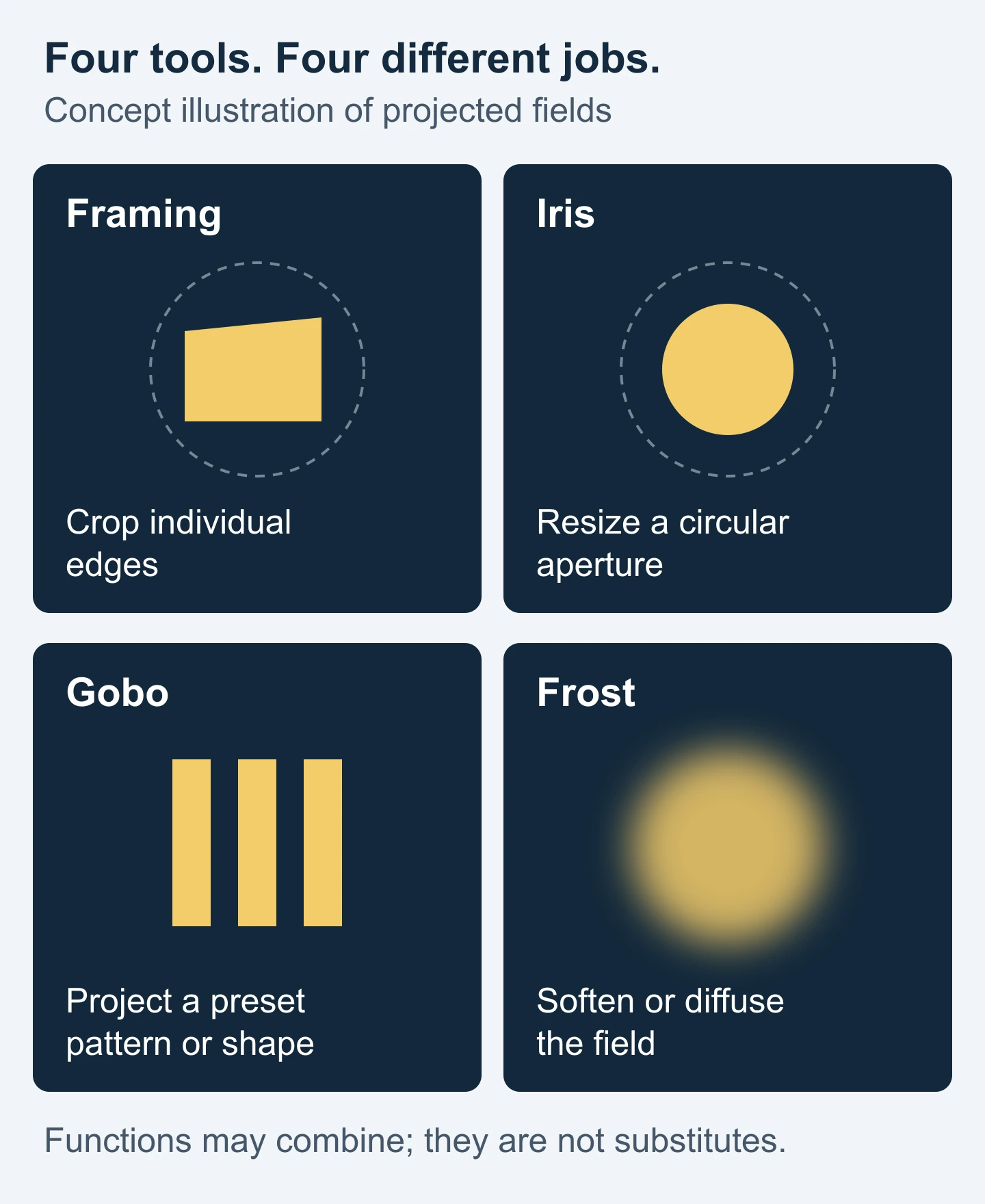
These tools change different aspects of the projected field. Check which are present and whether the required combination remains usable at your chosen zoom and focus.
| Tool | Main function | Why it is not interchangeable |
|---|---|---|
| Framing shutters | Crop selected lighting boundaries with blades | Allow individual edge adjustments within the available travel and angle ranges |
| Iris | Change the size of a circular aperture | Shrinks or expands a circle; it cannot independently trim four sides |
| Gobo | Project a preset pattern or shape | A rectangular gobo has a preset geometry; its sides cannot be adjusted independently like framing blades |
| Frost | Soften or diffuse the light field | Softening an edge does not make a controlled cut and may spread light beyond the intended area |
A rectangular gobo may suit a specific fixed shape, but it is not a full substitute for adjustable shutters. Frost can soften a framed look; recheck the resulting spill. ETC documents diffusion and framing as distinct functions in its optical technology overview.
What Should Buyers Check on a Framing Moving Head?
Turn “moving head with framing shutters” into a short, verifiable requirement:
- Physical blades and travel: confirm blade count, insertion range and independent movement. “Four blades” does not establish that each blade can cross the entire field or close it fully. Motor or DMX-attribute counts are not blade counts.
- Blade angle versus module rotation: angling one blade changes one boundary; rotating the module changes the combined shape’s orientation. Identify what each published rotation figure refers to. Do not transfer a ±60° or ±90° specification between models.
- Useful zoom and focus: test the cuts at the zoom settings your job needs, including combinations with gobos or frost. Assess coverage inside the target, edge appearance and remaining useful output together.
- Installation geometry: establish whether the fixture can cover and crop the target from its actual height and angle. A straight-on demonstration is insufficient for an oblique installation.
- Cues and consistency: recall positions and cuts repeatedly, inspect transitions and compare multiple units where possible. Decide whether visible reshaping during a cue is acceptable.
- Control: obtain the matching DMX mode and chart, check the console fixture library and exercise blade, rotation, zoom and focus controls. Similar names do not guarantee an identical patch.
- Operating requirements: compare noise at relevant audience or microphone positions, weight, usable output and access for servicing. Request model-specific service and spare-parts information.
Use the Profile moving-head technical guide for broader optical and operating checks. Colour requirements are a separate decision covered in CMY vs CTO moving head lights.
A Short Sample Test Before You Order
This is a suggested selection test, not an AOLAIT test report or a universal pass standard. Agree the required coverage, edge quality and acceptable spill before testing the sample.
- Recreate the geometry. Use the expected throw distance, mounting position and target dimensions. Mark nearby areas that should receive less light.
- Frame a marked rectangle. Aim and zoom to cover the target, then adjust the blades and focus. Record any compromise between coverage and edge quality.
- Inspect the result. Look at illumination inside the target, all edges and spill outside it. Include the actual or equivalent screen or scenic material where relevant.
- Repeat the planned cues. Change zoom, position and shape through representative cues, then return to the starting look. Compare units if available.
- Save the evidence. Record the model, control mode, settings and observations, with photographs if useful. Keep camera exposure consistent when comparing images.
The record can be a simple project checklist. The aim is to establish suitability before an order.
Compare AOLAIT BSW and Framing Options
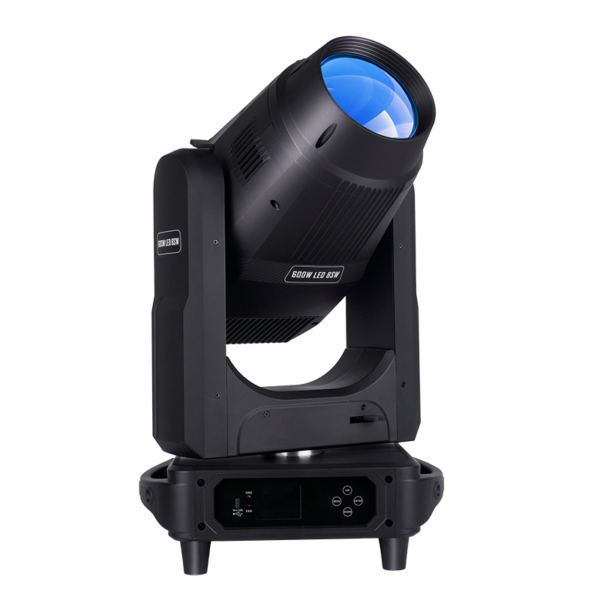
Use these models to compare functional priorities, then evaluate the configuration against your project requirements. AL600MLS is included as a framing example, rather than as confirmation of a complete BSWF feature set.
| Model | Published functional direction | Purchasing implication |
|---|---|---|
| ALE600BSW | Beam–spot–wash model with gobos, prisms, zoom and frost listed in the linked manual; framing is not listed in the reviewed page or linked manual | Consider for effects and coverage tasks; do not specify it as a framing fixture on this evidence |
| AL600MLS | Profile model with four individually controlled framing blades on the product page; its manual describes individual blade position/angle control and ±60° framing-module rotation | Consider when adjustable cuts are required; verify blade reach and the usable field at project settings |
Read the ALE600BSW manual and AL600MLS manual, then confirm the configuration and DMX chart for the quoted version. AL600MLS’s Profile designation is not evidence of identical BSW performance.
Continue with AOLAIT Beam Spot Wash hybrid moving heads or Profile and Framing moving heads, according to the tasks your project requires.
Frequently Asked Questions
Does every hybrid moving head include framing?
No. “Hybrid” can describe combined beam, spot and wash functions. Verify physical shutters and their controls in the exact model’s documentation.
Is BSWF the same as a profile moving head?
Not necessarily. BSWF means beam, spot, wash and framing in this article. Profile names do not establish equivalent beam or wash capabilities.
Can an iris or gobo replace framing shutters?
They can solve specific circular or preset-shape tasks. They do not provide the same independent boundary adjustments as framing blades.
Do I need framing for aerial beam effects?
Usually not for aerial effects alone. Include framing when other cues require controlled cuts on performers’ areas, scenery or screens.
What information should I provide for a recommendation?
Send the application, quantity, receiving country, throw distance, target dimensions and areas to avoid. A selected model is optional.
Get a Model Recommendation and Quote
Tell AOLAIT your application, quantity, receiving country, throw distance and target-area dimensions, including whether light must avoid screens or areas beyond the scenery. You can enquire before choosing a model. A stage layout or site photograph is helpful if available.